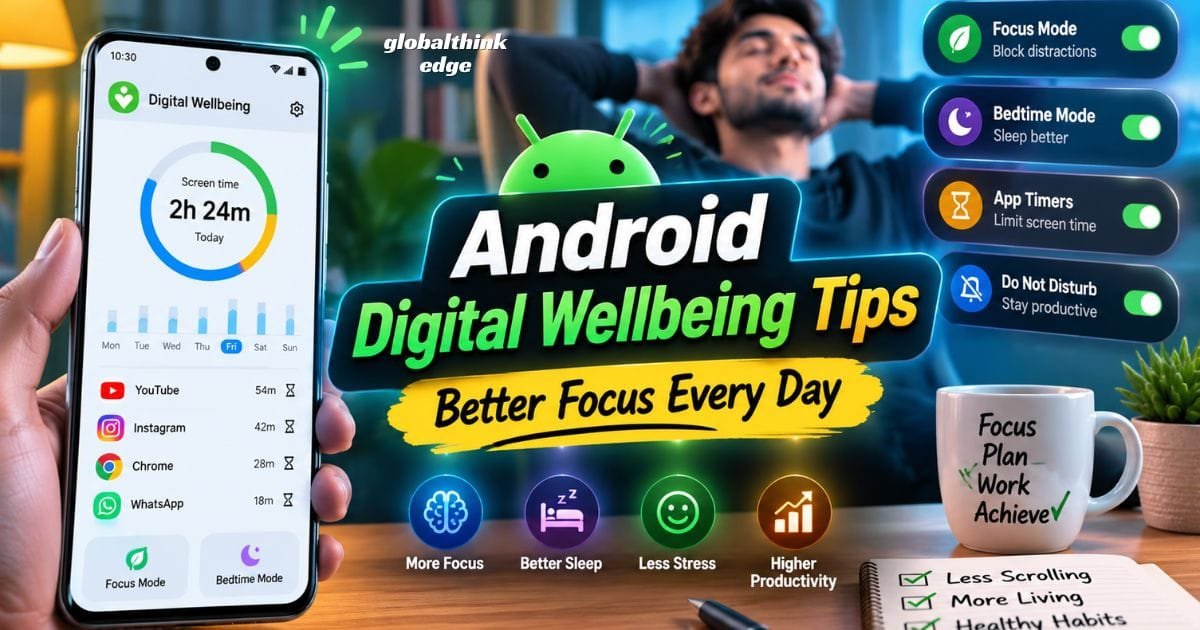
Android Digital Wellbeing Tips: Better Focus Every Day
Introduction
Smartphones have become essential for work, education, communication, and entertainment. However, spending too much time on your device can reduce productivity, affect sleep quality, and make it harder to stay focused. That’s where Android digital wellbeing tips can make a real difference. Android includes built-in Digital Wellbeing tools that help you understand your phone usage, reduce distractions, and develop healthier screen time habits without completely disconnecting from technology.
Whether you’re a student, professional, parent, or casual smartphone user, learning to manage your digital habits can improve both your mental well-being and daily efficiency.
What Are Android Digital Wellbeing Tips?
Android digital wellbeing tips are practical methods that help you use your smartphone more intentionally by combining Android’s Digital Wellbeing features with healthy daily habits. These tips focus on reducing unnecessary screen time, minimizing distractions, and improving productivity through built-in tools like App Timers, Focus Mode, Bedtime Mode, and Do Not Disturb.
Unlike third-party screen time apps, Digital Wellbeing is integrated directly into Android, making it easier to monitor your device usage and adjust your habits. It provides daily and weekly reports showing how often you unlock your phone, which apps you use most, and how many notifications you receive. With this information, you can identify unhealthy patterns and make gradual improvements.
Key Features of Android Digital Wellbeing
Android Digital Wellbeing includes several tools designed to support healthier smartphone usage:
Screen Time Dashboard to track daily and weekly usage.
App timers to limit time spent on selected apps.
Focus Mode to temporarily pause distracting applications.
Bedtime Mode to reduce nighttime phone usage.
Do Not Disturb to silence calls and notifications.
Notification management to reduce unnecessary interruptions.
Family Link for parental controls and children’s screen time management.
Using these features together creates a balanced approach instead of relying on strict phone restrictions.
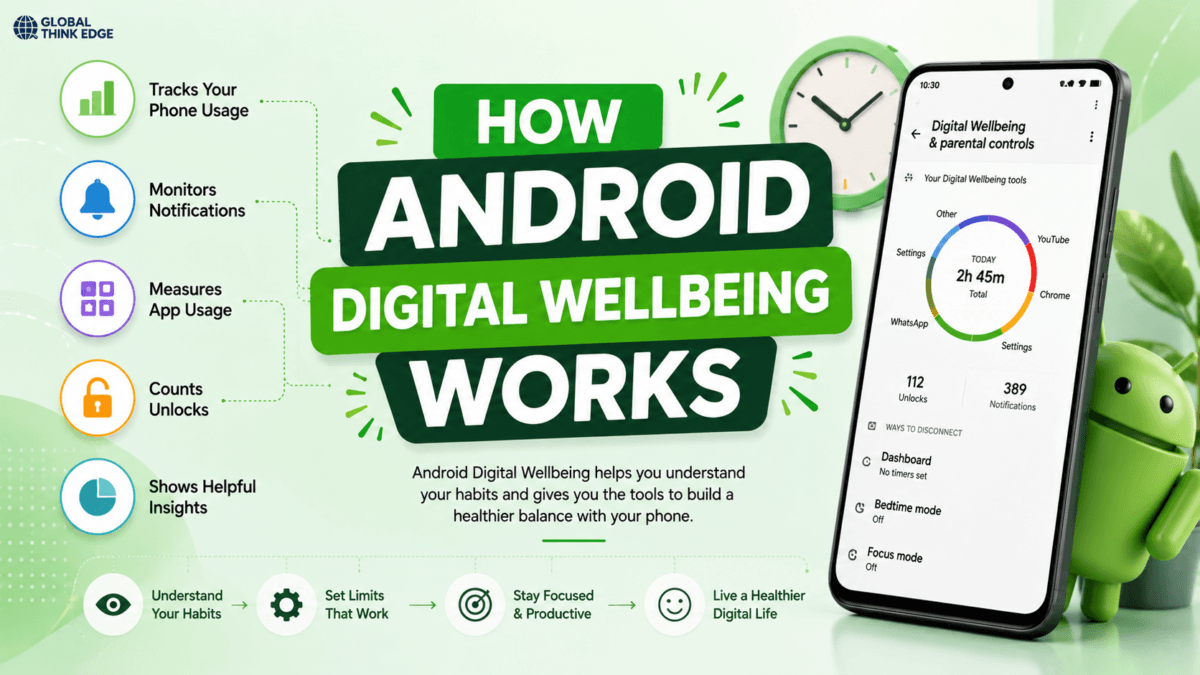
How Android Digital Wellbeing Works
Android Digital Wellbeing collects on-device usage data to help you understand and manage your screen habits. It measures screen time, app usage, phone unlocks, and notifications, then presents the information in easy-to-read reports so you can make informed decisions.
For example, if your dashboard shows that you spend three hours each day on social media, you can set a one-hour app timer. Once that limit is reached, Android pauses the app until the next day unless you choose to extend the time. This gentle reminder encourages mindful smartphone use instead of forcing complete restrictions.
Many Android devices also allow you to schedule Focus Mode and Bedtime Mode automatically, making healthy digital habits easier to maintain.
Best Android Digital Wellbeing Tips
The most effective Android digital wellbeing tips combine built-in Android features with realistic lifestyle changes that are easy to maintain over time. Small improvements practiced consistently often produce better long-term results than strict digital detoxes.
1. Review Your Screen Time Dashboard Weekly
Your Screen Time Dashboard provides valuable insights into how you use your phone. Checking it once or twice a week helps you identify habits that may be reducing productivity.
Pay attention to:
Total daily screen time
Most frequently used apps
Number of phone unlocks
Daily notification count
Instead of trying to reduce screen time dramatically, aim for small weekly improvements that are easier to maintain.
2. Set App Timers for Distracting Apps
App timers are one of the simplest ways to reduce unnecessary phone usage. Set reasonable daily limits for apps that consume the most time, such as:
Social media
Video streaming platforms
Mobile games
Online shopping apps
Rather than setting overly strict limits, reduce usage gradually to build lasting habits.
3. Enable Focus Mode During Work or Study
Focus Mode temporarily blocks selected distracting apps while allowing essential apps like messaging, email, or productivity tools to continue working.
Focus Mode is especially useful for:
Office work
Online meetings
Homework
Reading
Exam preparation
Scheduling Focus Mode during your regular work hours helps create a distraction-free environment without requiring constant self-control.
4. Turn On Bedtime Mode Every Night
Using your phone before bed often delays sleep and exposes your eyes to bright light that can interfere with your natural sleep cycle. Bedtime Mode helps by silencing notifications and, on supported devices, switching the display to grayscale to make your phone less visually appealing.
Benefits include:
Better sleep quality
Reduced nighttime scrolling
More consistent sleep schedules
Improved morning focus
Even using Bedtime Mode for one hour before sleep can help build healthier nighttime routines.
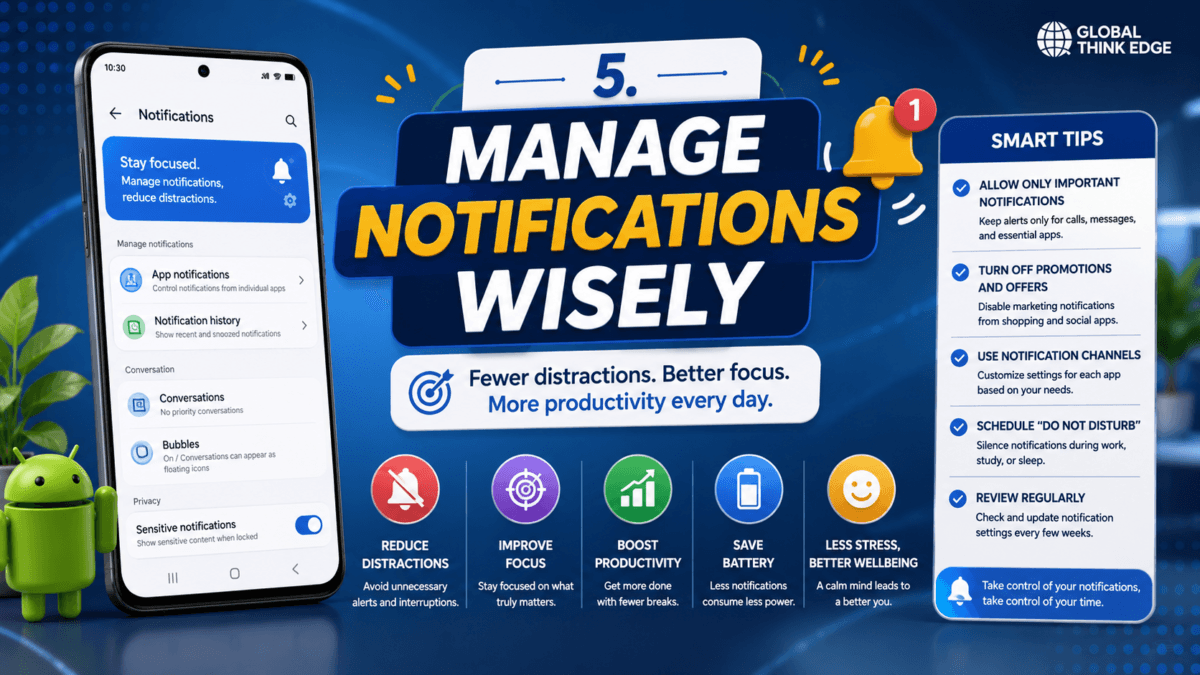
5. Manage Notifications Wisely
Reducing unnecessary notifications is one of the fastest ways to improve focus and lower digital distractions. Every alert interrupts your attention, making it harder to complete tasks efficiently. Instead of allowing every app to send notifications, keep only the ones that truly matter.
Consider disabling notifications from:
Shopping apps
Mobile games
Promotional emails
News apps you rarely read
Social media apps that aren’t essential
Checking notifications at scheduled times instead of responding instantly helps you stay productive throughout the day.
6. Use Do Not Disturb for Important Moments
Do Not Disturb (DND) silences calls, messages, and alerts while still allowing exceptions for important contacts. It’s an excellent feature for maintaining focus without turning your phone off completely.
Use DND during:
Business meetings
Study sessions
Family dinners
Driving
Sleeping
You can also schedule DND to activate automatically at specific times each day.
7. Organize Your Home Screen
A clutter-free home screen reduces the temptation to open distracting apps. Place productivity tools such as your calendar, notes, email, and task manager on the first screen while moving entertainment apps into folders or secondary pages.
Simple changes like this reduce mindless scrolling and encourage intentional phone use.
8. Take Regular Screen Breaks
Long periods of screen use can cause eye strain and mental fatigue. Short breaks throughout the day help improve concentration and overall well-being.
Healthy habits include:
Looking away from the screen every 20 minutes.
Stretching your neck and shoulders.
Taking a short walk.
Drinking water regularly.
These small actions support both physical and mental health.
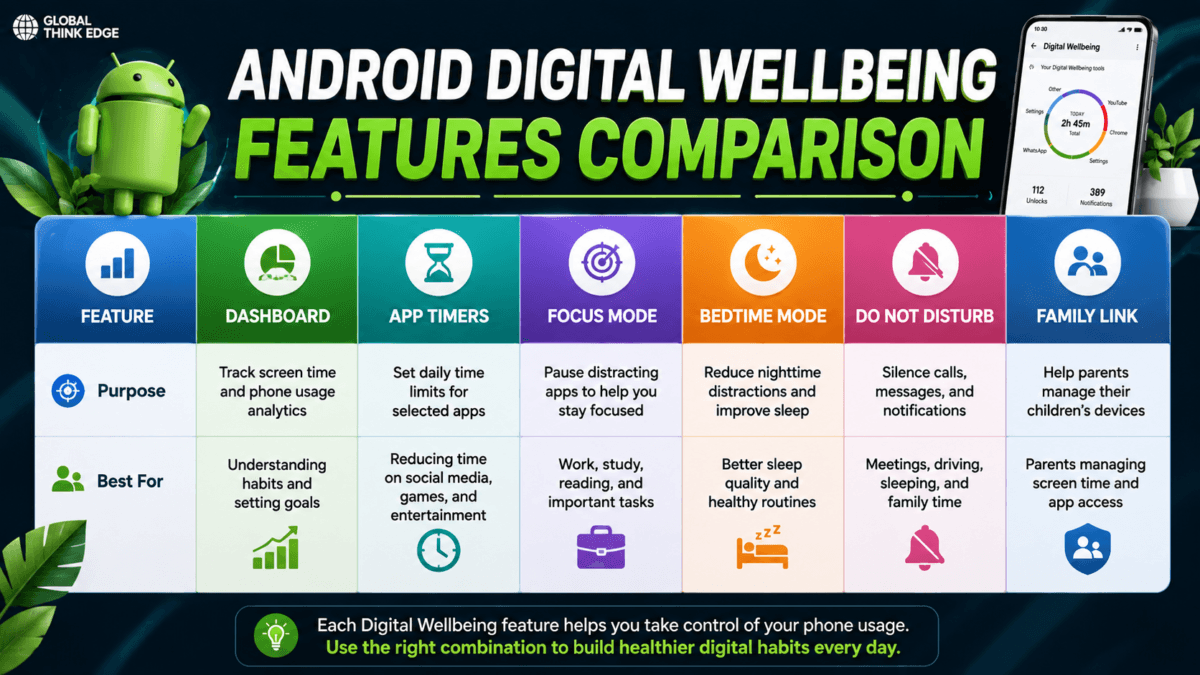
Android Digital Wellbeing Features Comparison
Each digital wellbeing feature serves a unique purpose. Choosing the right combination depends on your daily routine and personal goals.
| Feature | Purpose | Best For |
| Dashboard | Track screen time | Monitoring daily habits |
| App Timers | Limit app usage | Reducing social media time |
| Focus Mode | Pause distracting apps | Work and studying |
| Bedtime Mode | Improve sleep habits | Nighttime routines |
| Do Not Disturb | Silence interruptions | Meetings and sleep |
| Family Link | Manage children’s devices | Parents |
Benefits of Using Android Digital Wellbeing
Consistently using digital wellbeing features can improve both productivity and overall quality of life. Small daily improvements often lead to lasting positive habits.
Some key benefits include:
Better focus during work or study
Reduced screen time
Improved sleep quality
Fewer distractions
Lower digital stress
Better work-life balance
Healthier smartphone habits
These benefits become more noticeable when you combine digital well-being tools with mindful smartphone usage.
Common Mistakes to Avoid
Many users enable digital well-being but fail to use it consistently. The goal isn’t to eliminate phone use; it’s to use your device more intentionally.
Avoid these common mistakes:
Setting unrealistic app limits
Ignoring weekly usage reports
Leaving unnecessary notifications enabled
Disabling Focus Mode too often
Using your phone immediately before bedtime
Making gradual, sustainable changes is far more effective than attempting a complete digital detox overnight.
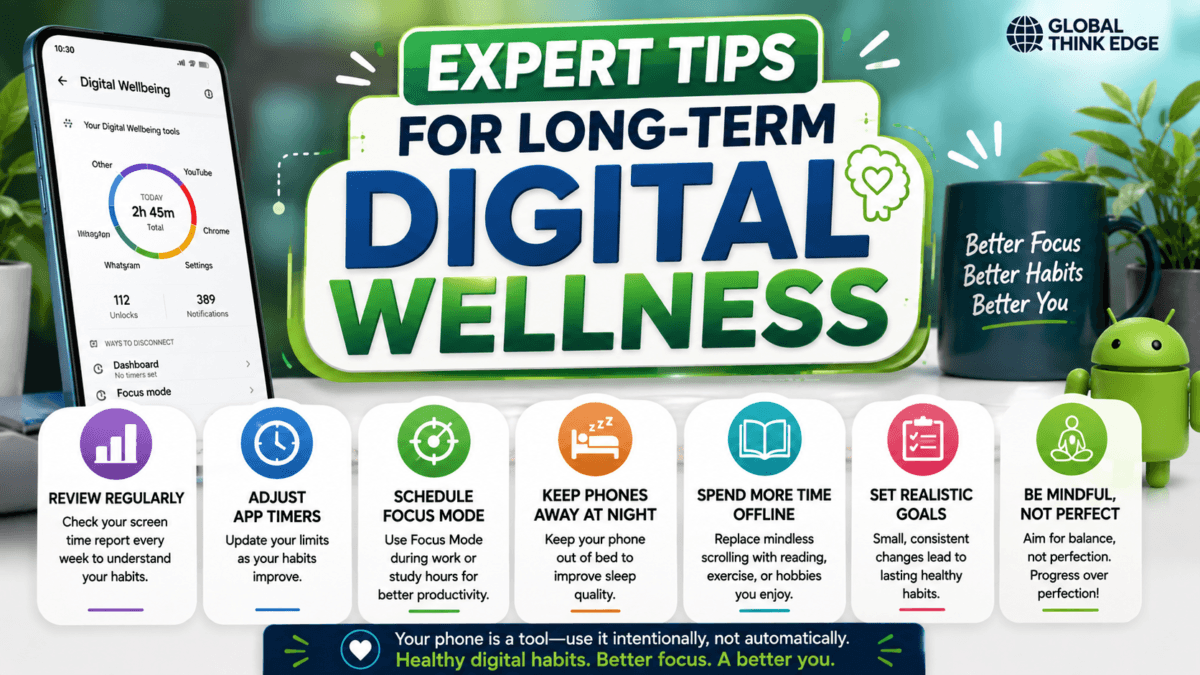
Expert Tips for Long-Term Digital Wellness
To get the best results from Android Digital Wellbeing:
Review your screen time every week.
Adjust app timers as your habits improve.
Schedule Focus Mode during work hours.
Keep your phone away from your bed at night.
Spend more time on offline hobbies like reading or exercise.
Set realistic goals instead of aiming for perfection.
Consistency is the key to developing healthier digital habits.
Frequently Asked Questions
Does every Android phone include Digital Wellbeing?
Most Android devices running Android 9 (Pie) or later include Digital Wellbeing, although some features vary by manufacturer.
Is Android Digital Wellbeing free?
Yes. It’s a free, built-in feature available on supported Android devices.
Does Digital Wellbeing improve battery life?
Its primary purpose is managing screen habits, but reducing screen time may also lower battery consumption.
Can parents use Digital Wellbeing for children?
Yes. Parents can use Family Link alongside Digital Wellbeing to monitor screen time, manage apps, and set usage limits for children’s devices.
Key Takeaways
Android Digital Wellbeing provides practical tools to help you reduce screen time, stay focused, and build healthier smartphone habits. Features like the dashboard, app timers, focus mode, bedtime mode, and do not disturb allow you to take control of your digital life without sacrificing convenience. By reviewing your usage regularly, limiting distractions, and following these Android digital wellbeing tips consistently, you can improve productivity, sleep quality, and overall well-being while maintaining a balanced relationship with technology.
