Best AI Workflow Tools: Brilliant Automation Picks
Which AI workflow tools are best for automation?
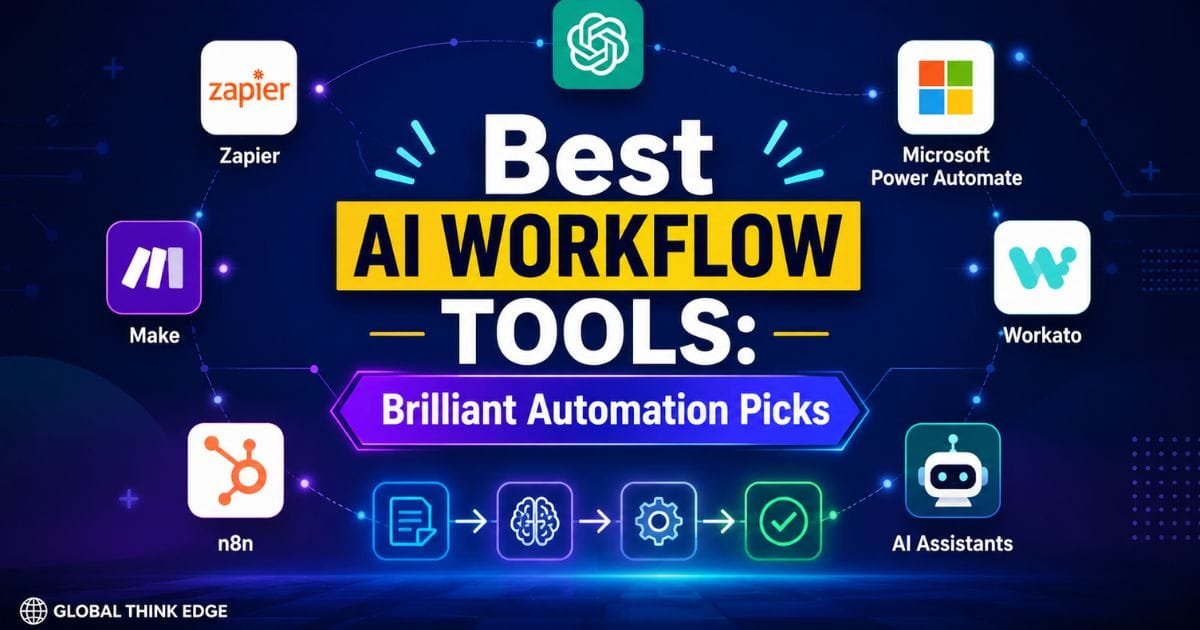
The best AI workflow tools in 2026 are Zapier, Make, n8n, Microsoft Power Automate, and Workato, with each platform serving a different type of user. Zapier is the easiest starting point; Make offers strong visual control; n8n provides deep customization and self-hosting; Power Automate fits Microsoft environments; and Workato targets complex enterprise automation.
AI workflow tools connect applications, process information, make decisions, and trigger actions automatically. Instead of using AI only to write text or answer questions, businesses can place AI inside repeatable processes such as lead qualification, customer support, reporting, content operations, and data management.
The right choice depends less on which platform has the most AI features and more on your workflow complexity, technical skills, integrations, security requirements, and expected scale.
What makes an AI workflow tool different?
Traditional automation follows predictable rules: if this happens, do that. AI workflows can add language understanding, classification, summarization, extraction, reasoning, and decision-making to those steps.
For example, a workflow could receive a customer email, identify its intent with an AI model, classify its priority, create a support ticket, summarize the issue, and notify the appropriate employee.
That combination of automation and AI is what makes modern workflow platforms more useful for knowledge-heavy work.
Best AI workflow tools compared
| Tool | Best for | Main strength | Technical level |
| Zapier | Beginners and small teams | Easy app-to-app automation | Low |
| Make | Visual automation | Complex branching and scenarios | Low–Medium |
| n8n | Developers and advanced users | Control, customization, self-hosting | Medium–High |
| Microsoft Power Automate | Microsoft 365 organizations | Microsoft ecosystem integration | Medium |
| Workato | Large enterprises | Integration, governance, and orchestration | High |
| ChatGPT | AI-powered work processes | Agents, reasoning, and connected tools | Low–Medium |
1. Zapier — Best for easy AI automation
Zapier is one of the strongest choices for users who want to automate tasks without building complicated infrastructure. Its large integration ecosystem makes it practical for connecting common business applications.
You can use AI inside workflows for tasks such as classifying leads, summarizing messages, extracting information, generating content, and routing requests.
Best for: marketers, freelancers, small businesses, and non-technical teams.
Choose Zapier when your priority is getting an automation running quickly rather than controlling every technical detail.
2. Make — Best for visual AI workflows
Make stands out when a workflow needs multiple branches, conditions, transformations, and connected applications. Its visual scenario builder makes complicated processes easier to understand.
Make is particularly useful when a workflow needs to move data through several steps before reaching a final action.
Best for: operations teams, marketers, agencies, and users who want more flexibility than basic trigger-action automation.
Choose Make when you want a visual workflow canvas with detailed control over how information moves between steps.
3. n8n — Best for advanced AI workflows
n8n is a strong option for technical teams that need customization, complex logic, and greater control over infrastructure. Its self-hosting option can also matter when data ownership or deployment flexibility is important.
n8n supports code-based customization alongside visual workflow construction, making it suitable for workflows that eventually outgrow simple no-code automation. Current industry comparisons also consistently position n8n as a strong choice for technical and high-complexity AI workflows.
Best for: developers, agencies, technical businesses, and advanced automation builders.
Choose n8n when customization, self-hosting, complex branching, and control matter more than beginner simplicity.
4. Microsoft Power Automate — Best for Microsoft users
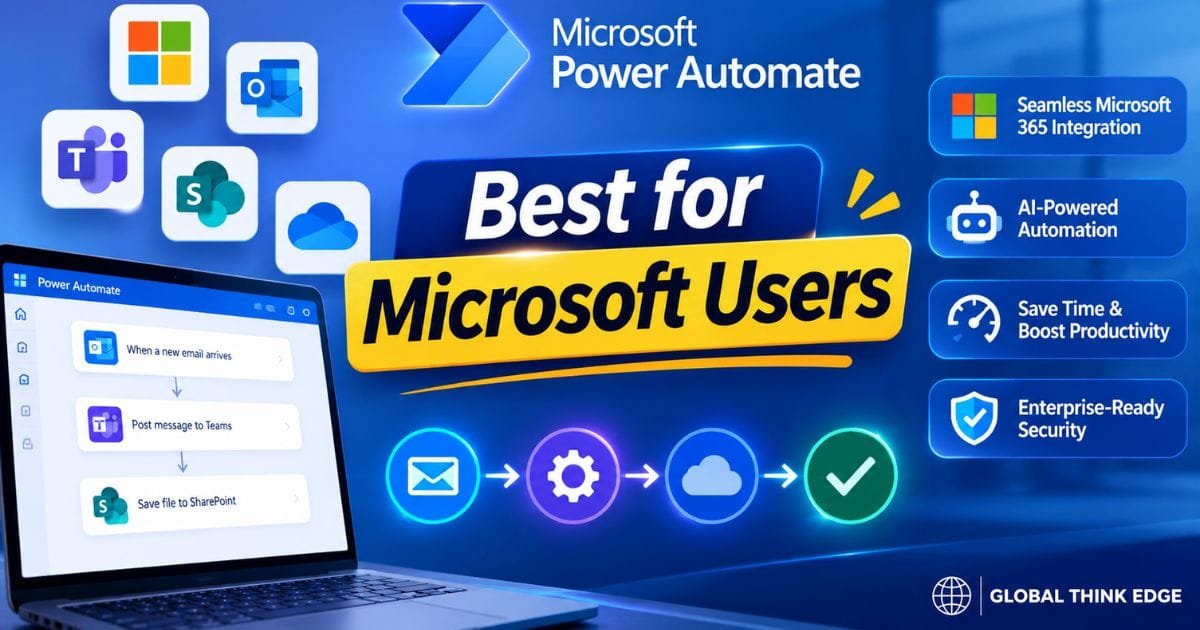
Microsoft Power Automate makes the most sense for organizations already invested in Microsoft 365, Teams, SharePoint, Excel, Dynamics, and related services.
It can automate repetitive business processes while bringing AI capabilities into workflows that already rely on Microsoft applications.
Best for: Microsoft-centric businesses and enterprise teams.
Choose Power Automate when your existing business processes already depend heavily on Microsoft services.
5. Workato — Best for enterprise orchestration
Workato is designed for organizations that need large-scale integration, governance, and workflow orchestration rather than simple personal automation.
Enterprise environments often require permissions, monitoring, data controls, and standardized processes. Those requirements can make enterprise-focused automation platforms more appropriate than lightweight tools.
Best for: large companies, IT teams, and complex business operations.
Choose Workato when automation must operate across many enterprise systems with strong governance.
6. ChatGPT — Best for AI-driven work processes
ChatGPT is not a traditional workflow automation platform in the same sense as Zapier or Make, but its AI capabilities make it increasingly relevant to workflow design.
OpenAI’s Workspace Agents can handle repeatable workflows, connect to approved tools, run on schedules, and take actions across business applications.
That makes ChatGPT particularly useful when the workflow requires reasoning rather than simply moving data between applications.
Best for: knowledge work, research, reporting, analysis, customer operations, and AI-assisted processes.
Choose ChatGPT when the core challenge involves understanding information, reasoning through tasks, or delegating repeatable AI work.
Which AI is best for workflows?
For traditional workflow automation, Zapier is the easiest starting point, while Make and n8n are stronger choices as workflows become more complex. For organizations deeply invested in Microsoft products, Power Automate can be the more natural option.
For AI-first workflows, the answer changes slightly. Tools such as ChatGPT can handle reasoning and multi-step tasks, while automation platforms provide the connections, triggers, and execution logic needed to move work between applications.
The strongest setup may therefore combine an AI model with an automation platform rather than relying on one tool for everything.
What are the 5 most popular AI tools?
The five widely recognized AI tools include ChatGPT, Google Gemini, Claude, Microsoft Copilot, and Perplexity. However, popularity and workflow capability are different measurements.
ChatGPT, Gemini, and Claude are primarily AI assistants and model platforms. Zapier, Make, and n8n are workflow automation platforms. A business choosing an AI workflow stack should therefore evaluate both categories.
For example, an automation platform can trigger an AI model when a new lead arrives, while the AI model analyzes the lead and returns a structured decision.
What are the big 3 AI tools?
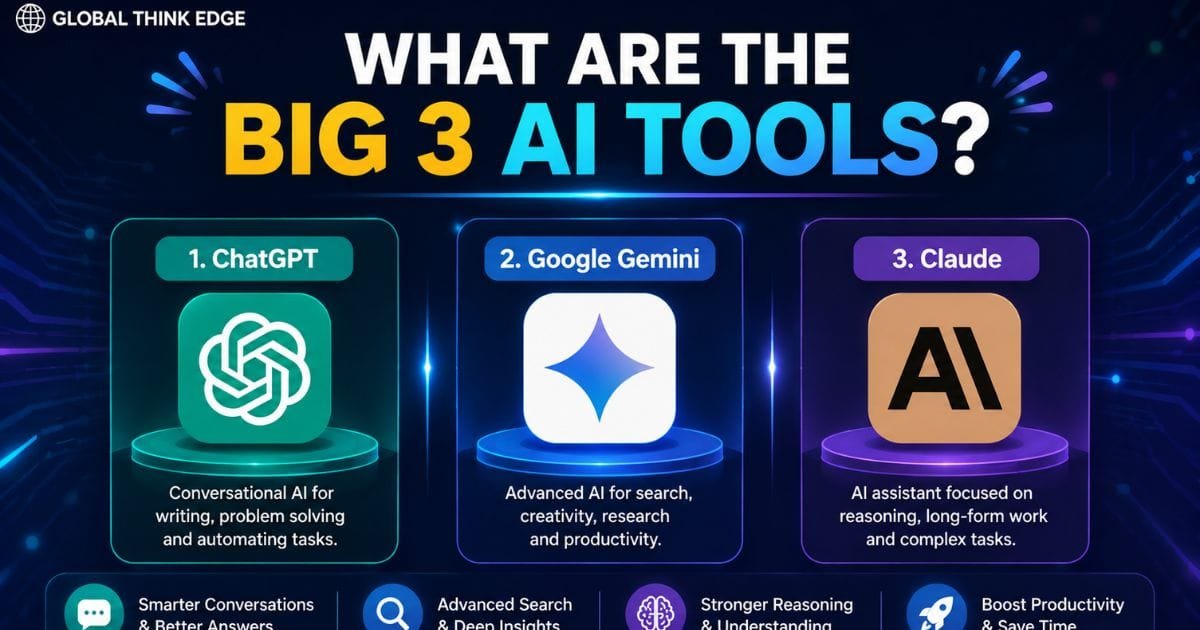
The phrase “big 3 AI tools” commonly refers to ChatGPT, Google Gemini, and Claude in consumer and professional AI discussions.
They are not identical. ChatGPT emphasizes broad AI assistance and connected workflows, Gemini integrates closely with Google’s ecosystem, and Claude is known for strong reasoning and long-form work.
For workflow automation, however, these assistants are only one part of the stack. You still need a way to trigger tasks, connect applications, store results, and manage permissions.
What are the top 3 AI right now?
For general-purpose AI assistance, ChatGPT, Gemini, and Claude remain three of the most important options to consider. For workflow automation specifically, the top three platforms are better represented by Zapier, Make, and n8n because they are built around connecting processes and applications.
The distinction matters because an excellent chatbot is not automatically an excellent workflow engine.
How to choose the right AI workflow tool
Start with the workflow itself rather than the tool.
If you need a simple process such as new form → AI classification → email notification, Zapier may be enough. If you need several branches, transformations, and conditions, Make becomes more attractive.
For advanced workflows involving databases, custom code, webhooks, AI agents, or self-hosting, n8n deserves serious consideration.
For enterprise Microsoft environments, Power Automate can reduce integration friction. Large organizations with strict governance and broad integration requirements may benefit from Workato.
Also evaluate data privacy, permissions, error handling, monitoring, scalability, integration limits, and pricing before committing. A workflow that works perfectly with 100 tasks may require a different architecture at 100,000 executions.
How to build a useful AI workflow
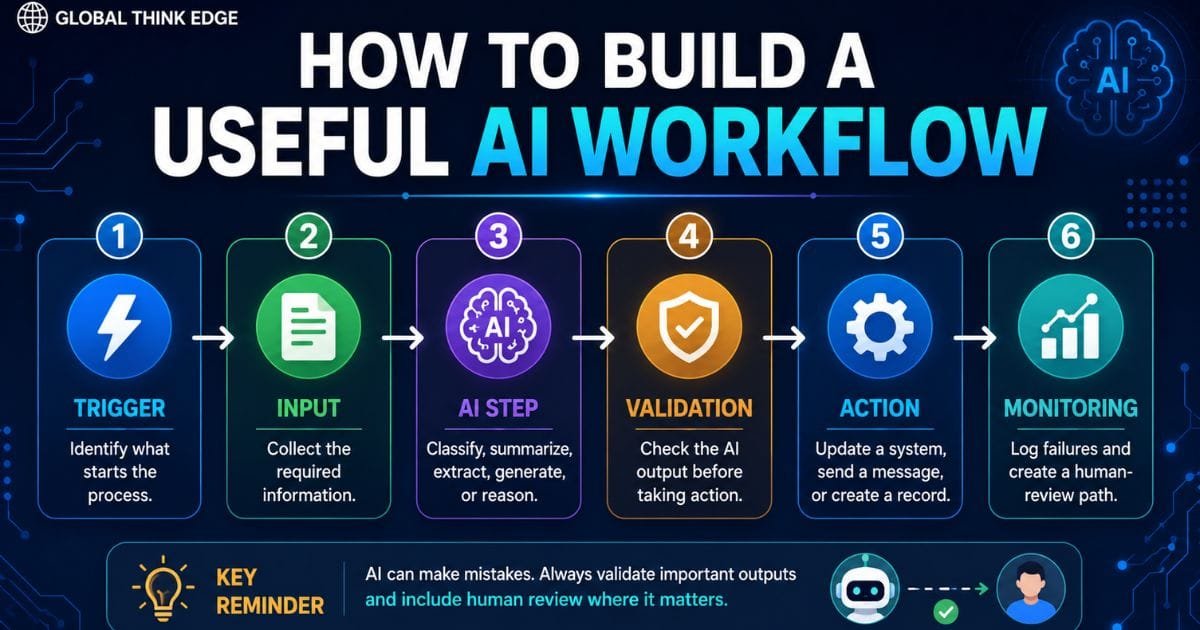
A reliable AI workflow normally follows a simple structure:
- Trigger: identify what starts the process.
- Input: collect the required information.
- AI step: classify, summarize, extract, generate, or reason.
- Validation: check the AI output before taking important actions.
- Action: update a system, send a message, create a record, or generate a report.
- Monitoring: log failures and create a human-review path.
This last step is easy to overlook. AI output can be inconsistent, so important workflows should include validation and human approval where errors could create financial, legal, security, or reputational consequences.
Final verdict: Which AI workflow tool should you use?
Zapier is the best starting choice for most beginners, Make is excellent for visual multi-step automation, and n8n is the strongest option for advanced users who need control and customization. Power Automate is especially suitable for Microsoft-focused organizations, while Workato targets complex enterprise environments.
For AI-heavy work, consider combining an automation platform with an AI assistant or model. That approach separates the two jobs: the automation platform handles triggers, integrations, and execution, while AI handles language, reasoning, classification, and content generation.
The best AI workflow tool is ultimately the one that fits your workflow complexity, technical ability, data requirements, and scale, not simply the platform with the longest feature list.
FAQs
Can AI workflow tools replace manual tasks?
Yes. They can automate repetitive tasks such as data entry, classification, reporting, notifications, content processing, and application updates. Human review should remain in workflows where mistakes carry significant consequences.
Are AI workflow tools difficult to learn?
It depends on the platform. Zapier is generally easier for beginners; Make provides more visual control, and n8n offers deeper customization for technical users.
Which is better for AI workflows: Zapier, Make, or n8n?
Choose Zapier for simplicity, Make for visual complexity, and n8n for technical control. All three can support sophisticated AI-assisted automation, but their ideal users and workflow architectures differ.
