Android App Cloning: Easy Ways to Run Two Accounts
What Is Android App Cloning?
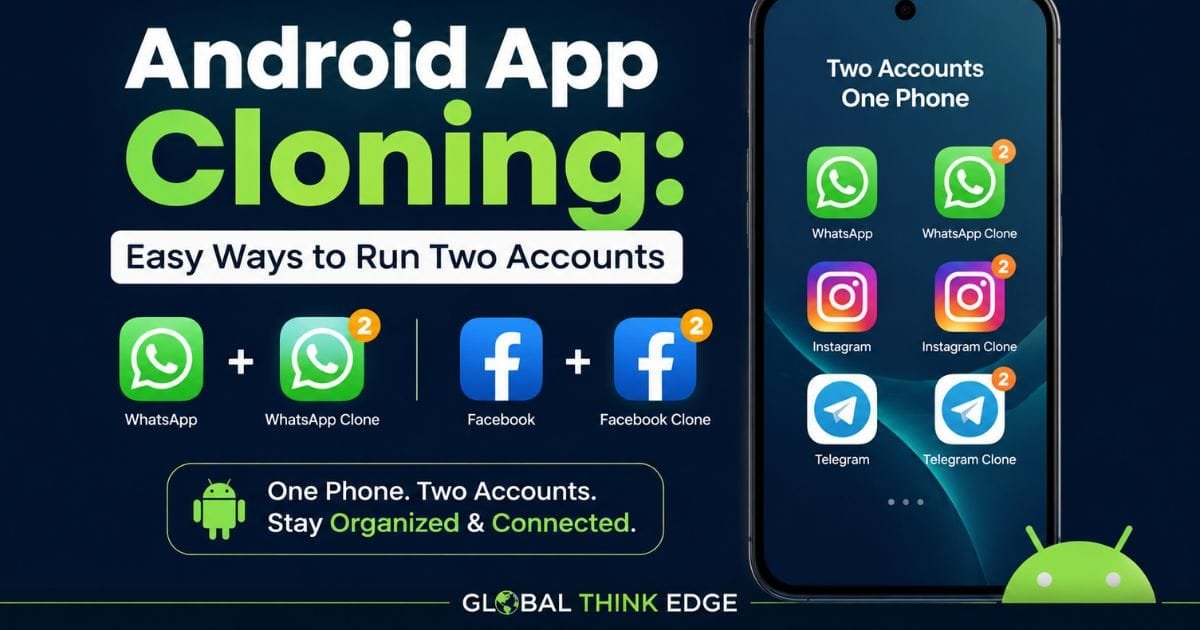
Android app cloning lets you create a separate instance of an app so you can use two accounts on the same phone. Instead of signing out of your main account, a cloned or duplicated app maintains its own login, notifications, and app data.
The feature is particularly useful for messaging, social media, shopping, and work apps. Depending on your phone, it may appear as “Dual Apps,” “App Clone,” “Dual Messenger,” “Parallel Apps,” or a similar option.
Android does not provide one identical cloning feature across every phone. Manufacturers implement different solutions, so the available apps and settings depend on your device model, Android version, and software interface.
Why Do People Clone Android Apps?
The main reason is simple: one phone can handle separate accounts without repeatedly logging in and out.
Common examples include:
Personal and work WhatsApp accounts
Two social media profiles
Separate business and personal messaging
Different shopping accounts
Multiple accounts for supported services
Keeping work and personal app activity separate
Some phones create a second app instance, while others use a separate user or profile environment to achieve a similar result.
How Does Android App Cloning Work?
Android app cloning generally creates another app environment with separate application data. The original app remains intact, while the second instance can use a different account.
For example, Xiaomi’s Dual Apps feature creates an independent copy of supported apps and keeps the original and duplicated app data separate.
Samsung’s Dual Messenger works similarly for supported messaging applications. It adds a second version of compatible apps and allows you to sign in with another account.
However, cloning does not mean every app can automatically be duplicated. Some applications may not support multiple instances because of technical restrictions, security requirements, licensing rules, or the way the developer designed the app.
Android App Cloning vs Multiple Users
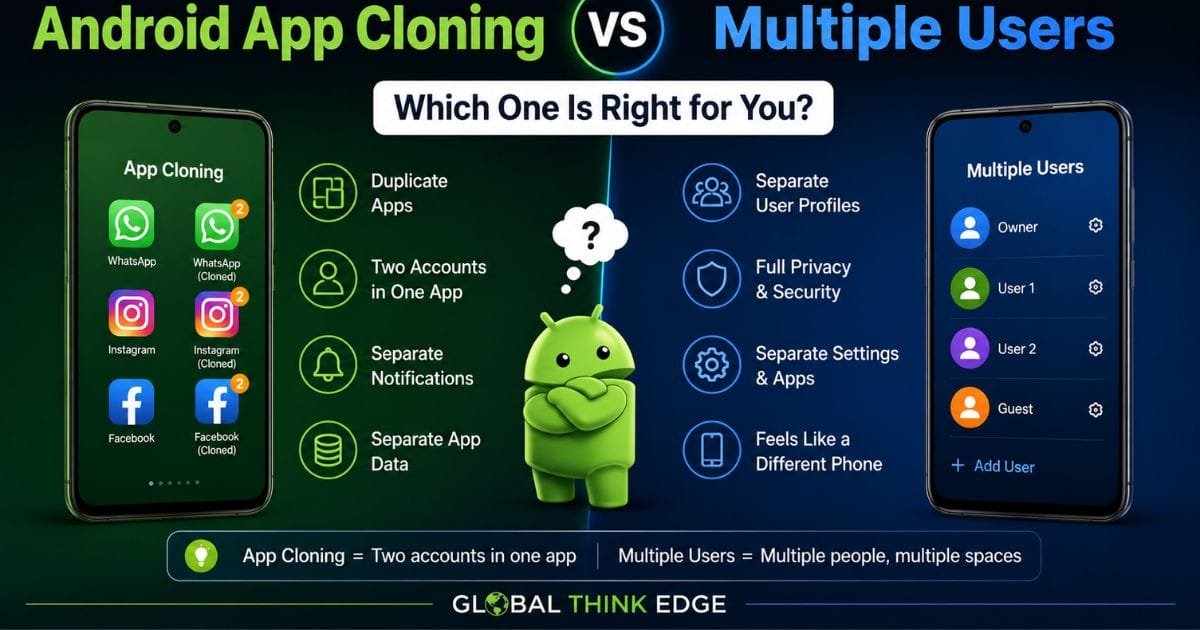
These features solve different problems.
| Feature | Best for | Data separation | Two app accounts |
| App cloning | Two accounts in one app | Usually separate | Yes |
| Multiple users | Separate phone environments | Strong separation | Yes, within separate profiles |
| Work Profile | Work and personal use | Strong separation | Often |
| Private Space | Private apps and data | Strong isolation | Possible |
Android’s multiple-user system gives each user a personal space containing separate apps, accounts, settings, and home-screen configuration.
A Work Profile is designed specifically to separate work apps and data from personal information.
How to Clone Apps on Android
The exact steps vary by manufacturer, but the general process is straightforward.
Samsung Galaxy
Samsung calls its built-in solution Dual Messenger. On supported Galaxy devices, open:
Settings → Advanced features → Dual Messenger
Choose a compatible application, enable it, and confirm the installation. A second app icon then appears, allowing you to sign in with another account.
Samsung also allows a separate contact list for the second messaging app, which can make personal and work communication easier to manage.
Xiaomi Phones
On supported Xiaomi devices, go to:
Settings → Apps → Dual apps
Select the application you want to duplicate and enable the feature. Xiaomi states that the cloned app has independent data from the original application.
The exact menu can differ between Xiaomi software versions, so searching Settings for Dual Apps can be quicker than following an older menu path.
Other Android Phones
Other manufacturers may use names such as the following:
App Clone
Clone Apps
Parallel Apps
App Twin
Dual Apps
App Duplication
If your phone does not show a cloning option, search Settings for clone, dual, parallel, or multiple users.
Do not assume that every Android phone supports native app cloning. Availability depends on the manufacturer and software version.
Can an App Be Cloned on Android?
Yes, many Android apps can be cloned, but support is not universal. Whether you can duplicate an app depends on your phone’s built-in cloning feature and the application itself.
Native cloning is usually the safest approach because it is integrated into the phone’s software. Samsung, for example, only displays compatible apps for Dual Messenger rather than allowing unrestricted duplication of every installed application.
If an app does not appear in your phone’s cloning menu, you should not assume that a third-party cloning tool will make it work correctly.
Some apps also detect modified, virtualized, or duplicated environments and may restrict certain functions.
Is Android App Cloning Safe?
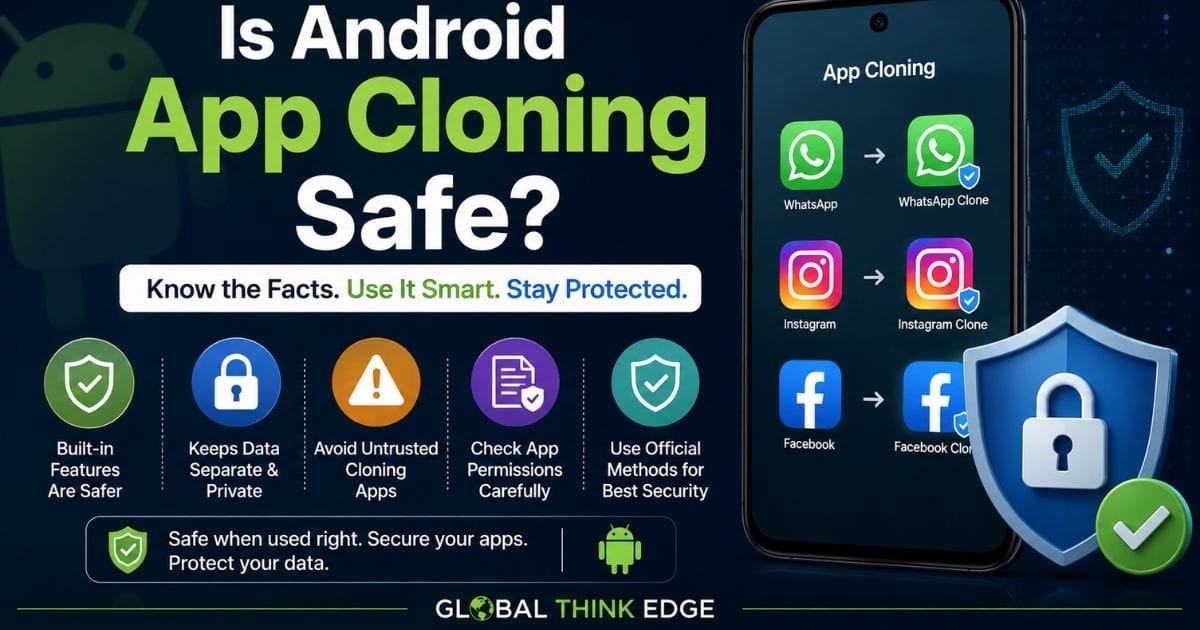
Android app cloning is generally safest when you use your phone manufacturer’s built-in feature. The security risk increases when you install an unknown third-party cloning application or download modified APKs from untrusted websites.
A built-in feature benefits from the device manufacturer’s software architecture and security controls. It also avoids giving an unknown cloning application broad permissions over your phone.
Before cloning an app, consider:
Whether the feature is built into your phone
What permissions the cloned app receives
Whether the app handles sensitive information
Whether the developer permits multiple accounts
How notifications and files are separated
How deleting the clone affects its data
For sensitive accounts, avoid unofficial APK-based cloning solutions unless you fully understand their security implications.
What Happens to Cloned App Data?
A cloned application can maintain its own data, which means deleting or disabling the clone may remove its separate account information.
Xiaomi explicitly states that its Dual Apps data is independent from the original app’s data. It also warns that disabling Dual Apps deletes the duplicated app data.
Samsung similarly provides an option to delete Dual Messenger apps and their associated data.
Therefore, do not treat a cloned app as a guaranteed backup. If the account contains important information, make sure the service itself has synchronization or backup enabled.
Android App Cloning vs Third-Party Clone Apps
Third-party cloning applications can appear useful when your phone lacks a built-in feature, but they introduce another layer of software between you and the cloned application.
A native solution is usually preferable because it is designed specifically for the device.
| Option | Convenience | Security confidence | Best use |
| Built-in app cloning | High | High | Everyday dual accounts |
| Multiple users | Medium | High | Separate users |
| Work Profile | Medium | High | Business and personal separation |
| Private Space | High | High | Private apps |
| Unknown third-party cloner | Varies | Lower | Last resort |
Android 15’s Private Space is another useful option when the goal is isolation rather than simply creating a second copy. Supported devices can install a new instance of an app inside Private Space without modifying the original installation.
Which App Is the Best Cloning App?
There is no single best cloning app for every Android phone. The best option is usually the built-in cloning feature provided by your phone manufacturer.
For a Samsung Galaxy phone, Dual Messenger is a strong choice for supported messaging apps. On compatible Xiaomi devices, Dual Apps provides a similar built-in solution.
If your objective is privacy rather than two accounts, Android’s Private Space may be more appropriate. If you need strict separation between business and personal information, a work profile can be the better solution.
Benefits and Limitations of Android App Cloning
Android app cloning can make account management much easier, but it has trade-offs.
Key Benefits
Run two supported accounts on one phone
Keep personal and work accounts separate
Receive notifications from both instances
Avoid repeated account switching
Use manufacturer-supported security features
Maintain separate app data in supported implementations
Common Limitations
Not every app supports cloning
Features vary between phone brands
Cloned apps consume additional storage
Battery usage can increase when both instances run actively
Some notifications may behave differently
Certain apps may restrict multiple instances
Removing a clone can delete its separate data
Xiaomi notes that duplicated app storage depends on the app’s data size, while the original and cloned data remain independent.
How to Choose the Right Method
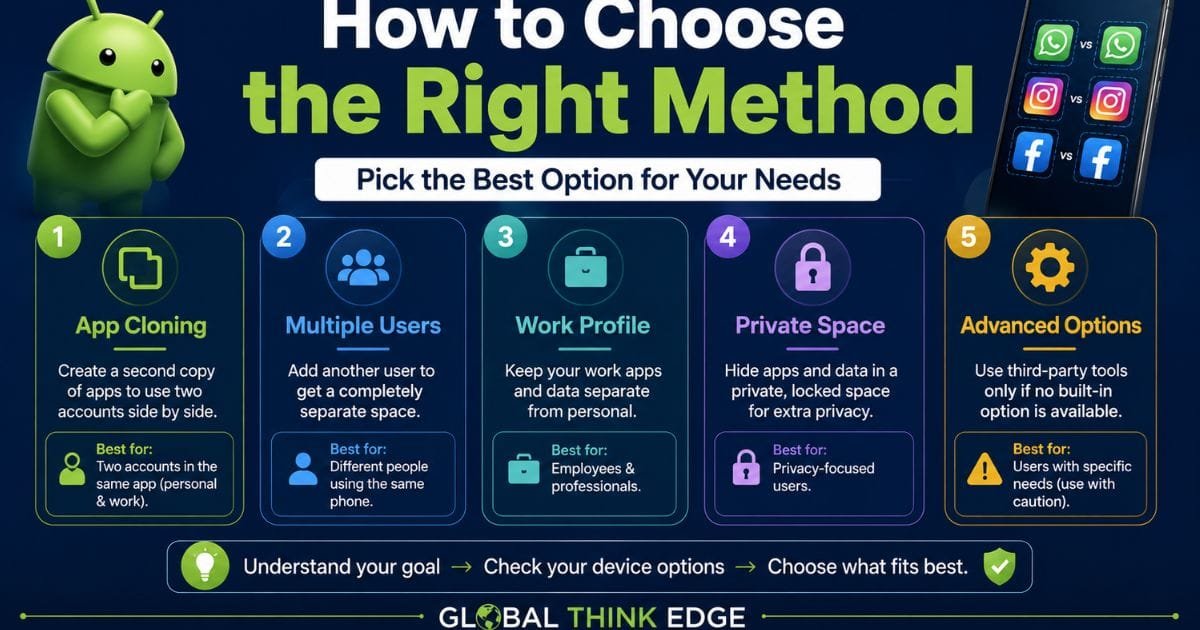
Choose native app cloning when you simply need two accounts in a supported application.
Choose Private Space when privacy and app isolation matter more than running two visible copies.
Choose a work profile when you need a structured separation between business and personal apps and data.
Choose Multiple Users when different people need their own accounts, apps, settings, and personal spaces on the same Android device.
This distinction prevents a common mistake: using an app cloner when Android already provides a safer feature designed for the exact purpose.
Frequently Asked Questions
Why do I have cloned apps on my Android phone?
You may have cloned apps because your phone’s Dual Apps, Dual Messenger, App Clone, or a similar feature was enabled. A second app icon is normally created so you can use another account separately.
Which app is the best cloning app?
The best option is usually your phone’s built-in cloning feature. Samsung Dual Messenger and Xiaomi Dual Apps are examples of manufacturer-supported solutions.
Can an app be cloned?
Yes. Many supported apps can be duplicated, but Android does not guarantee cloning for every application. Compatibility depends on your phone, Android version, manufacturer software, and the app itself.
Is it safe to clone apps on Android?
Yes, cloning is generally safer when you use a built-in manufacturer feature. Avoid unknown cloning tools and modified APKs, particularly for banking, messaging, business, or other sensitive accounts.
Does cloning use more storage?
Usually, yes. A cloned app requires additional application data, although the exact amount depends on the app and how the phone implements cloning. Xiaomi confirms that Dual Apps create separate app data.
Final Takeaway
Android app cloning is a practical way to manage multiple accounts from one device, but the safest method is usually the feature already built into your phone. Samsung Dual Messenger, Xiaomi Dual Apps, Android Private Space, Work Profiles, and Multiple Users each solve slightly different problems.
Before installing a third-party cloner, check your phone’s Settings first. You may already have a secure, manufacturer-supported option that provides the separation you need without adding unnecessary software.
