Sigma OS: Features, Benefits, and Drawbacks
What Is Sigma OS?
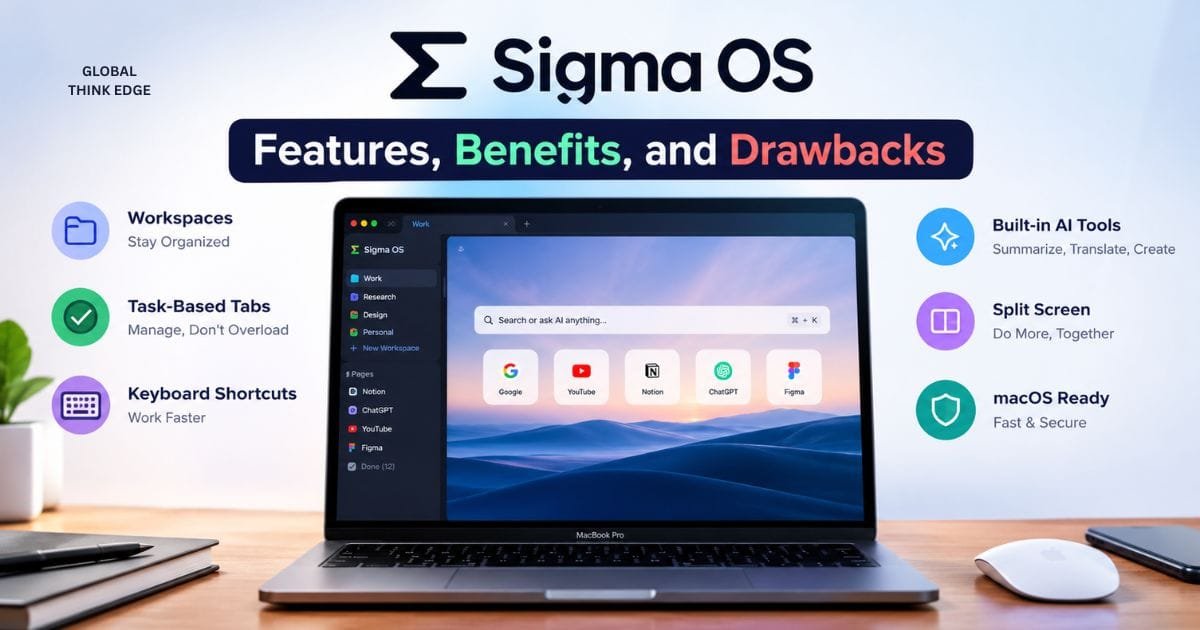
SigmaOS is a productivity-focused web browser for Mac that changes how users manage websites. Instead of keeping dozens of traditional tabs open, it organizes pages into workspaces and treats browsing more like a task system.
This approach makes SigmaOS useful for people who research, write, study, manage projects, or work across multiple web apps. Its main focus is reducing browser clutter while making navigation faster through keyboard shortcuts.
How Does Sigma OS Work?
SigmaOS replaces the standard browser layout with workspaces, pages, and commands.
You can create a workspace for a project, client, course, or activity. Pages then stay organized inside that workspace instead of becoming one long row of tabs.
When you finish a page, you can mark it as done. You can also snooze pages, move them between workspaces, or use Focus Mode to remove visual distractions.
What Are the Main Sigma OS Features?
SigmaOS focuses on a small number of features that directly improve browser organization.
Workspaces
Workspaces are the core of SigmaOS. They let you separate websites and web apps by project or activity.
For example, you could create separate spaces for work, research, school, personal browsing, and specific clients.
SigmaOS also supports separate profiles within workspaces. This keeps cookies separate, allowing different accounts on the same website to remain signed in at the same time.
Pages Instead of Traditional Tabs
SigmaOS calls its browser items Pages. They work differently from ordinary tabs.
You can mark a page as done, move it to another workspace, snooze it, or lock it so you do not accidentally remove it.
This is useful when browsing is part of a larger task. You can see what still needs attention instead of leaving every website open indefinitely.
Lazy Search
Lazy Search is SigmaOS’s main command-based search system. Pressing the spacebar opens it.
You can use it to search the web, open websites, find history, search across workspaces, and access browser commands.
This makes common actions possible without repeatedly switching between the mouse, address bar, and browser menus.
Keyboard Shortcuts
SigmaOS is designed heavily around keyboard navigation.
Users can move between pages and workspaces, mark pages as done, open search, activate Focus Mode, and perform other actions using shortcuts.
The advantage is speed once the shortcuts become familiar. The disadvantage is that new users may need time to learn them. Recent Product Hunt reviews show that shortcut complexity is one of the most common complaints alongside praise for productivity and organization.
Split Screen
SigmaOS includes split-screen browsing for working with multiple pages at once.
This is useful when comparing information, writing while researching, or using two web apps together.
The feature supports the browser’s wider goal: keeping related tasks inside the same workspace instead of opening several separate browser windows.
Focus Mode
Focus Mode hides distracting browser elements so you can concentrate on the current page.
SigmaOS assigns Focus Mode to the F shortcut. Pressing it again restores the normal interface.
Does Sigma OS Support Chrome Extensions?
Yes. SigmaOS supports extensions from the Chrome Web Store.
However, compatibility is not identical to using Chrome because SigmaOS uses WebKit and implements the Chromium Extension API itself. Some extensions may therefore behave differently or fail to work correctly.
SigmaOS also lets users control extensions by workspace. An extension can be enabled globally or only where it is needed.
Is Sigma OS Fast and Efficient on Mac?
SigmaOS is designed specifically around macOS and uses WebKit rather than Chromium.
The company says WebKit provides deeper macOS integration and supports privacy features such as Intelligent Tracking Prevention. SigmaOS also uses Apple Keychain for password storage.
Performance can still vary by workflow and extensions. User reviews include both positive experiences and reports of lag or bugs, so it is better to test the browser with your own daily setup.
Is Sigma OS Good for Productivity?
Yes, especially if browser tabs are difficult for you to manage.
SigmaOS works best when your browsing has a clear structure. Workspaces separate projects, pages show active tasks, and shortcuts reduce repetitive mouse actions.
It is less useful if you only need a simple browser for casual web browsing.
Sigma OS vs Safari
| Feature | SigmaOS | Safari |
| Main purpose | Browser productivity | General browsing |
| Workspaces | Yes. | Tab Groups and Profiles |
| Task-based pages | Yes. | No |
| Keyboard workflow | Extensive | Standard |
| Focus Mode | Yes | Limited equivalent workflow |
| Chrome extensions | Supported with compatibility limits | No |
| macOS integration | Strong | Excellent |
| Learning curve | Higher | Lower |
Safari is the easier choice for normal browsing and Apple’s standard ecosystem.
SigmaOS is better suited to users who want their browser to function as a productivity workspace.
Sigma OS vs Arc
SigmaOS and Arc both target users who want an alternative to traditional browser tabs.
| Feature | SigmaOS | Arc |
| Productivity focus | Strong | Strong |
| Workspaces | Yes. | Yes. |
| Keyboard controls | Extensive | Extensive |
| Split browsing | Yes. | Yes. |
| Alternative tab system | Yes. | Yes. |
| Mac focus | Strong | Strong |
| Learning curve | Moderate to high | Moderate |
The main difference is the workflow. SigmaOS puts strong emphasis on task-style pages, workspaces, and keyboard commands.
Arc uses a different organization model. Your choice largely depends on which interface feels more natural.
What Are the Advantages of Sigma OS?
SigmaOS has several clear strengths:
- Better tab organization: Pages can be completed, moved, or snoozed.
- Separate workspaces: Projects and activities stay apart.
- Multiple account support: Separate workspace cookies can keep accounts independent.
- Fast navigation: Keyboard shortcuts reduce mouse use.
- Split-screen work: Multiple pages can be viewed together.
- Focus Mode: Unnecessary interface elements can be hidden.
- Chrome extension support: Many familiar extensions can be installed.
- Mac integration: The browser is built around macOS features.
What Are the Disadvantages of Sigma OS?
The biggest issue is the learning curve.
SigmaOS does not behave like Chrome or Safari. Users who prefer familiar browser controls may initially find the shortcut-heavy workflow confusing.
Extension compatibility can also be inconsistent because SigmaOS uses WebKit while supporting Chrome extensions through its own implementation.
User feedback also mentions bugs, lag, limited extension support, and some SSO problems. These complaints do not affect every user, but they are worth considering before making SigmaOS your primary work browser.
Who Should Use Sigma OS?
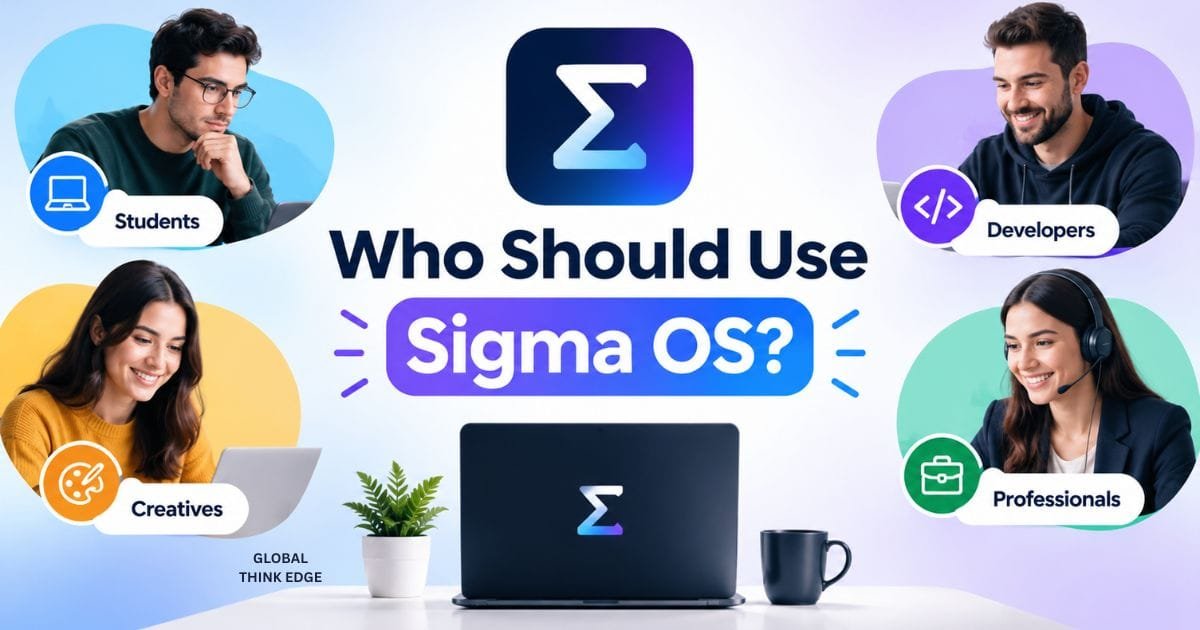
SigmaOS is a good fit for Mac users who:
- Manage many browser pages.
- Work across several projects.
- Use multiple accounts.
- Prefer keyboard shortcuts.
- Research information regularly.
- Use web apps for most of their work.
- Want a browser built around productivity.
It is less suitable for users who want a familiar browser with almost no learning curve.
Is Sigma OS Worth Trying?
Yes, if your main problem is browser clutter.
SigmaOS offers a different way to manage browsing by combining workspaces, task-style pages, lazy search, shortcuts, split screen, and focus mode.
Its biggest benefit is organization. Its biggest weakness is that the workflow takes time to learn.
Recent reviews reflect this trade-off: users often praise productivity, workspaces, keyboard controls, and tab management, while some report shortcut complexity, bugs, extension limitations, and reliability issues.
Final Verdict
SigmaOS is a strong alternative for Mac users who want their browser to work more like a productivity tool.
Its workspaces, pages, separate sessions, keyboard controls, and focus features solve a real problem: too many open tabs and too little organization.
Choose SigmaOS if you want a structured, keyboard-first workflow. Choose Safari if you prefer simplicity and native Apple browsing. Consider Arc if you want another workspace-focused browser with a different interface.
SigmaOS is not the best browser for everyone. But for users who spend most of their working day online, its workflow can make browser management much more organized.

Pingback: Edge Drop: What It Was, How It Worked, and What Replaced It