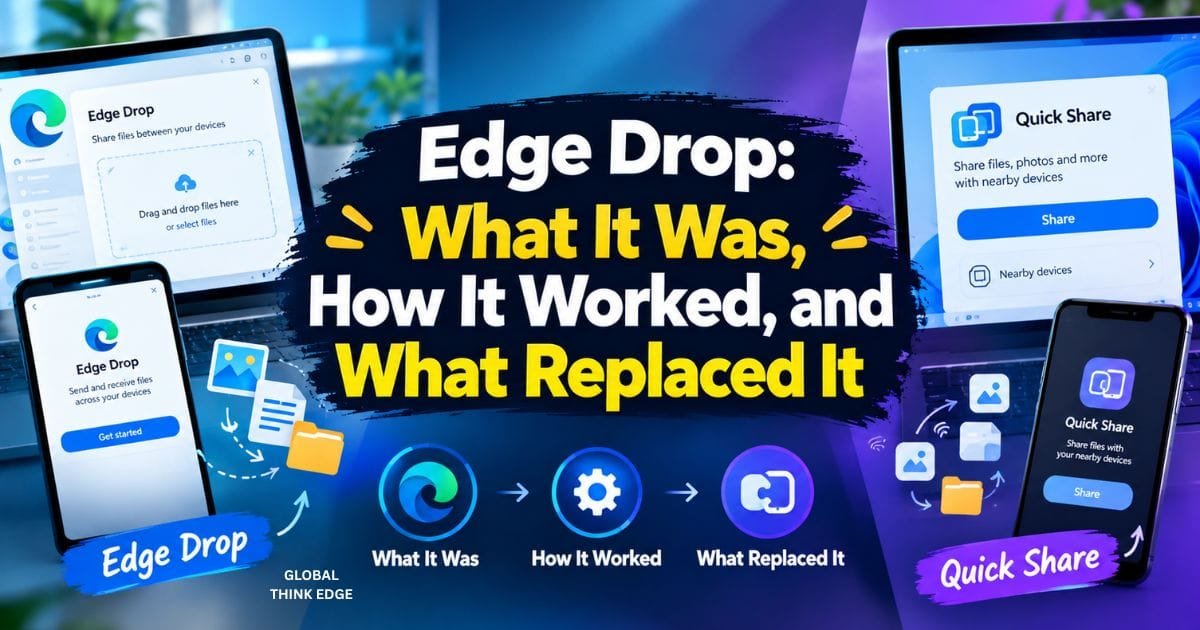
Edge Drop: What It Was, How It Worked, and What Replaced It
What Is Edge Drop?
Edge Drop was a Microsoft Edge feature that let users send files, photos, links, and notes between their own devices. It worked inside Edge and used cloud storage to make shared content available across connected devices.
However, Edge Drop is no longer available in current Microsoft Edge releases. Microsoft officially retired Drop in Edge version 152 as part of its effort to simplify the browser.
This makes the term “Edge Drop” slightly confusing today. Some users are looking for the old Microsoft feature, while others may mean a separate Windows app called Edge-Drop or a construction term called a drop edge beam.
What Did Edge Drop Do?
Edge Drop worked like a private space for sharing content with yourself.
You could use it to move:
- Files
- Photos
- Screenshots
- Web links
- Text notes
- Other small pieces of information
The main benefit was simple: you could send something from one device and access it later from another device using Microsoft Edge.
Did Edge Drop Use OneDrive?
Yes. Files shared through Edge Drop were saved in OneDrive. Microsoft also stated that text notes needed to be downloaded separately.
This made Drop more than a normal clipboard. It used cloud storage to move content between devices.
How Did Microsoft Edge Drop Work?
Edge Drop provided a chat-like interface inside Microsoft Edge. Users could add content to the Drop area and then access it from another connected device.
The feature was useful for people who regularly moved between a Windows PC, Mac, Android phone, or iPhone.
For example, you could save a link on your computer and open it later on your phone. You could also send a document to yourself instead of emailing it or using a USB drive.
Why Was Edge Drop Useful?
Edge Drop was useful because it reduced the number of steps needed to move information between devices.
Without Drop, users might email a file to themselves, upload it to cloud storage, or use a separate messaging application.
Drop placed this workflow directly inside the browser.
It was especially useful for:
- Moving screenshots from PC to phone
- Sending documents between devices
- Saving links for later
- Sharing short notes with yourself
- Moving files without a USB drive
Is Edge Drop Still Available?
No. Microsoft Edge Drop has been retired from current Edge releases.
Microsoft first announced that Drop would be retired in Edge 151. The announcement explained that Microsoft was simplifying Edge and confirmed that shared files were saved in OneDrive.
Microsoft then confirmed the final change in Edge 152:
Drop is retired in Microsoft Edge version 152.
Current Edge 152 builds therefore do not provide the old Drop feature.
Why Did Edge Drop Disappear?
Microsoft has not published a detailed technical explanation for every reason behind the decision. Its release notes describe the change as part of simplifying Microsoft Edge.
So, if Drop suddenly disappeared after an Edge update, the browser is not necessarily malfunctioning. The feature itself was retired.
Can You Enable Edge Drop Again?
There is no normal Edge setting that brings the retired Drop feature back in current releases.
Older articles may still show instructions for opening Drop from the Edge menu. Those instructions apply to versions that still supported the feature.
If your browser is running Edge 152 or a newer release where Drop has been removed, changing normal Edge settings will not restore it.
What About the EdgeEDropEnabled Policy?
Microsoft previously provided an administrative policy called EdgeEDropEnabled for controlling Drop.
However, the existence of an old policy does not mean that the retired feature is still available. Microsoft has officially retired Drop in Edge 152.
For current users, using an alternative service is the more practical option.
What Replaced Edge Drop?
There is no single direct replacement built into Microsoft Edge. The best alternative depends on what you used Drop for.
| What you need | Better alternative |
| Cloud file storage | OneDrive |
| Notes and saved information | OneNote |
| Windows clipboard history | Windows Clipboard |
| Cross-device file sharing | Cloud storage or device-sharing tools |
| Desktop clipboard shelf | Edge-Drop |
If you mainly used Edge Drop for files, OneDrive is the closest Microsoft-based option. If you used it for quick text snippets, a notes or clipboard application may be more convenient.
What Happened to Files Stored in Edge Drop?
Files shared through Drop were stored in OneDrive, so users should check their OneDrive storage for files they previously shared.
Microsoft’s retirement notice specifically stated that files shared through Drop were saved in OneDrive. It also noted that text notes needed to be downloaded separately.
This distinction matters because a file and a text note did not necessarily have the same recovery process.
If you used Drop before retirement, check your OneDrive files and any local downloads before assuming that everything has been deleted.
What Is Edge-Drop?
Edge-Drop is a separate Windows desktop application and is not the same as Microsoft Edge Drop.
The open-source Edge-Drop project describes itself as a clipboard shelf and desktop file-transfer tool. It stays near the edge of the screen and opens when you move the cursor toward it.
It can handle:
- Text
- URLs
- Images
- Files
- Rich HTML
- Multiple files
It also supports dragging stored items directly into desktop applications. The project currently lists support for Windows 10 and Windows 11 and is in public beta.
How Is Edge-Drop Different From Microsoft Edge Drop?
The names are similar, but the purpose is different.
| Feature | Microsoft Edge Drop | Edge-Drop |
| Type | Browser feature | Windows desktop app |
| Developer | Microsoft | Open-source project |
| Main purpose | Cross-device sharing | Clipboard and file management |
| Cloud sharing | Yes | Not its main purpose |
| Current status | Retired in Edge 152 | Public beta |
| Windows support | Through Microsoft Edge | Windows 10/11 |
| Drag and drop | Yes | Yes |
Microsoft Edge Drop was designed mainly for sharing between your own devices.
Edge-Drop focuses more on managing copied content on the desktop.

What Is a Drop Edge Beam?
A drop edge beam is a construction term with no connection to Microsoft Edge Drop.
It is a deeper concrete section around the edge of a slab. Builders may use it on sloping or uneven sites to support the slab and manage changes in ground level.
A drop edge beam can also help manage fill and reduce the need for large retaining walls in some building designs. The correct design depends on the site and must be confirmed by the relevant builder or engineer.
This is a separate meaning of “drop edge” and should not be confused with Microsoft’s browser feature.
Edge Drop: Key Facts
The most important facts are simple:
- Microsoft Edge Drop was a cross-device sharing feature.
- It could handle files, photos, links, and notes.
- Shared files were saved in OneDrive.
- Microsoft announced its retirement in Edge 151.
- Edge 152 officially retired the feature.
- Current users cannot restore it through a normal Edge setting.
- OneDrive and other sharing tools can replace its file-transfer function.
- Edge-Drop is a separate Windows clipboard application.
- A drop edge beam is a separate construction term.
Frequently Asked Questions
Why is Edge Drop missing from Microsoft Edge?
Edge Drop is missing because Microsoft retired it in Edge version 152. The feature was first announced for retirement in Edge 151 and was officially retired in Edge 152.
Can I still use Edge Drop in 2026?
Not in current Edge releases where Drop has been retired. Microsoft officially lists Drop as retired in Edge 152.
Where were Edge Drop files saved?
Files shared through Drop were saved in OneDrive. Microsoft also stated that text notes needed to be downloaded separately.
What is the best Edge Drop alternative?
OneDrive is the most suitable Microsoft alternative for file sharing. For notes or clipboard content, OneNote, Windows Clipboard, or a dedicated clipboard manager may be more suitable.
Is Edge-Drop made by Microsoft?
No. Edge-Drop is a separate open-source Windows project. It works as an edge-activated clipboard shelf and desktop file-transfer tool.
Is a drop edge beam related to Microsoft Edge?
No. A drop edge beam is a concrete foundation or slab construction term. Microsoft Edge Drop was a browser file-sharing feature.
Final Verdict
Edge Drop was a useful way to move files, photos, links, and notes between devices, but Microsoft has now retired the feature from current Edge releases. Users who relied on it should switch to OneDrive for file sharing or use a notes and clipboard tool for smaller items.
If you are searching for Edge Drop today, the key point is simple: it is no longer a supported feature in Edge 152 and newer releases. Edge-Drop is a separate Windows utility and should not be confused with Microsoft’s former browser feature.
