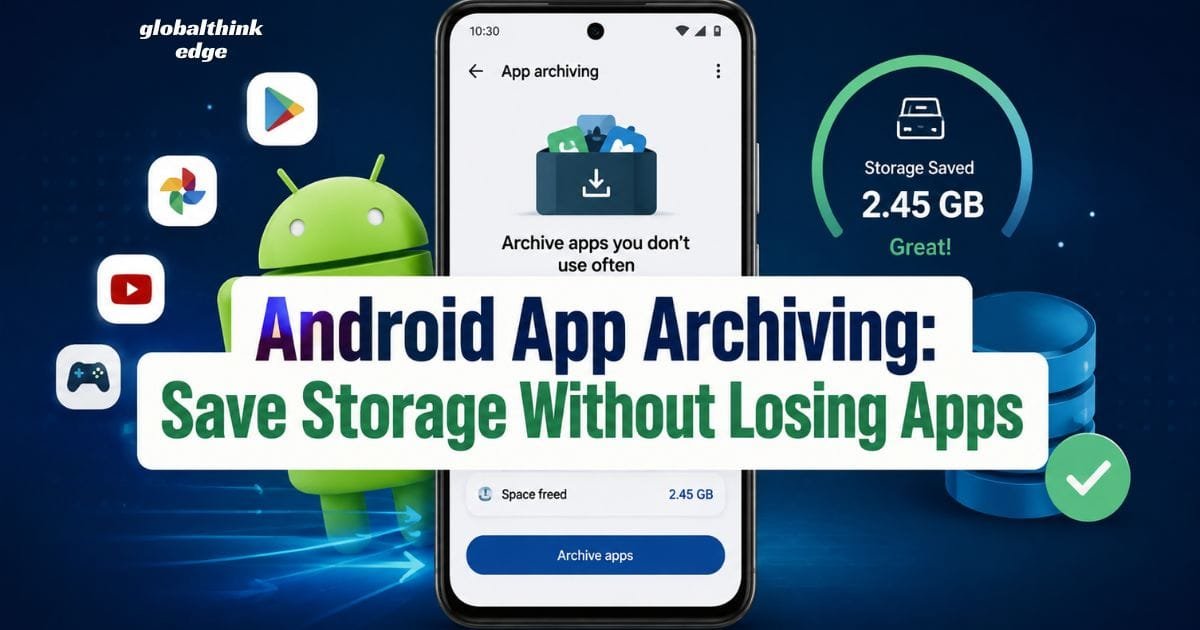
Android App Archiving: Save Storage Without Losing Apps
What Is Android App Archiving and Why Does It Matter?
Running out of storage is one of the most common problems Android users face. Photos, videos, games, and productivity apps quickly consume available space, making devices slower and preventing new downloads. While deleting unused apps can free storage, it also removes app data and forces you to reinstall everything later. Android app archiving solves this problem by offering a smarter alternative.
Android app archiving is a storage management feature that removes most of an app’s installation files while preserving your personal data and settings. When you want to use the app again, you simply restore it, and everything is ready as before. This feature helps users reclaim storage without sacrificing convenience.
Unlike traditional app uninstallation, archiving keeps important information such as preferences, login details (where supported), and saved content. As a result, you don’t have to start from scratch every time you reinstall an app.
Whether you own a budget phone with limited storage or a flagship device filled with media files, Android app archiving provides an efficient way to manage available space while keeping frequently used apps within easy reach.
How Android App Archiving Works
Android app archiving works by removing large portions of an application’s installed package while keeping essential user information stored on the device. The archived app remains visible in your app drawer, but it occupies significantly less storage.
When you tap an archived app, Android downloads only the necessary files needed to restore it. If an internet connection is available, restoration usually takes only a few moments.
The process generally includes:
Removing unnecessary installation files
Preserving user preferences
Keeping saved documents where supported
Maintaining the app shortcut
Restoring the app when needed
This approach balances storage savings with user convenience.
Why Google Introduced App Archiving
Modern Android apps continue to grow larger. Games can exceed several gigabytes, while productivity and social media applications regularly receive updates that increase their size.
Google introduced app archiving to solve several challenges:
Limited storage on entry-level devices
Frequent “Storage Almost Full” notifications
Reduced need to uninstall apps permanently
Faster recovery compared to complete reinstallation
Better user experience for infrequently used applications
Instead of forcing users to choose between deleting apps or purchasing a new device, Android provides a built-in storage optimization solution.
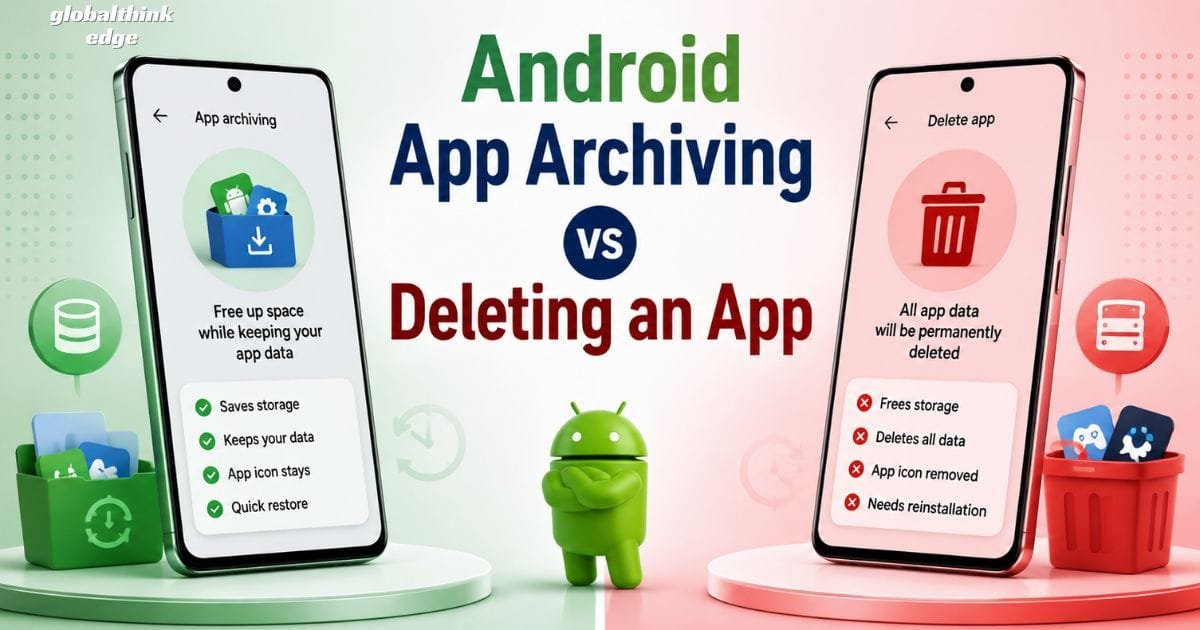
Android App Archiving vs Deleting an App
Although both options offer free storage, they produce very different results.
| Feature | Android App Archiving | Uninstalling an App |
| Frees storage | Yes | Yes |
| Keeps app icon | Yes | No |
| Preserves user data | Usually Yes | Often No |
| Easy restoration | Yes | Requires fresh installation |
| Settings retained | Usually Yes | No |
| Better for temporary removal | Yes | No |
For apps that you rarely use but may need again, archiving is usually the more practical choice.
Major Benefits of Android App Archiving
Android app archiving offers several advantages beyond simply creating extra storage space.
Frees Valuable Storage
Archived apps occupy much less storage than fully installed applications. This allows users to install new apps, capture more photos, or download important files without immediately deleting existing software.
Preserves Important Data
One of the biggest advantages is that your personal information generally remains intact. App preferences, progress, and certain locally stored data stay available after restoration.
Faster Than Starting Over
Instead of searching for the app, downloading it again, logging in, and configuring settings, restoring an archived app is usually much faster.
Reduces Storage Management Stress
Many users hesitate before deleting apps because they fear losing valuable information. App archiving removes this concern by providing a middle ground.
Supports Better Device Performance
Although archiving does not directly increase processor speed, maintaining sufficient free storage helps Android perform background tasks more efficiently. Devices with healthier storage levels often experience smoother updates and fewer storage-related warnings.
Which Android Devices Support App Archiving?
Android app archiving is gradually becoming available across supported Android devices through the Google Play ecosystem. Availability depends on several factors:
Android version
Google Play Store version
Device manufacturer
Regional rollout
App developer compatibility
Most newer Android smartphones are more likely to support the feature than older devices. Even if your phone supports Android app archiving, individual apps may behave differently depending on how they are developed.
How to Archive Apps on Android
The exact steps can vary slightly between manufacturers, but the process is generally straightforward.
Method 1: Through Google Play Store
- Open the Google Play Store.
- Tap your profile picture.
- Open Settings.
- Navigate to the storage or general settings section.
- Enable automatic app archiving if the feature is available.
Once enabled, Android can archive eligible apps that have not been used for an extended period.
Method 2: Automatic Storage Management
Some Android devices automatically recommend archiving inactive apps when storage becomes critically low. This allows users to recover space quickly without manually reviewing every installed application.
In many cases, Android intelligently selects apps that have remained unused for months while leaving frequently used applications untouched.

When Should You Archive an App?
App archiving is particularly useful in situations such as:
Seasonal shopping applications
Travel booking apps used once or twice a year
Event-specific apps
Tax filing software
Educational apps used only during a semester
Games you plan to play again later
These apps often consume considerable storage despite being opened only occasionally.
Limitations of Android App Archiving
Although Android app archiving is highly useful, it is not perfect. Understanding its limitations helps you decide when to archive an app and when a full uninstall makes more sense.
Not Every App Supports Archiving
Some apps may not be eligible because of how they are built or distributed. Compatibility depends on the app developer and the version available through the Google Play Store.
Internet Connection Is Required for Restoration
Since Android downloads the removed app files during restoration, you’ll usually need a stable internet connection. Without one, you may have to wait before using the archived app again.
Archived Apps Still Occupy Some Space
Archiving significantly reduces storage usage, but it does not reduce it to zero. User data, settings, and other essential files remain on your device.
Some Local Data May Differ
While Android aims to preserve app data, the exact experience varies by app. Certain apps may require you to sign in again or re-download offline content after being restored.
Android App Archiving vs Offloading Apps
People often compare Android app archiving with Apple’s Offload Unused Apps feature. Both serve a similar purpose, but there are a few differences.
| Feature | Android App Archiving | App Offloading (iPhone) |
| Saves storage | Yes | Yes |
| Keeps user data | Yes (supported apps) | Yes |
| Restores app quickly | Yes | Yes |
| Requires internet to reinstall | Usually yes. | Yes |
| Available automatically | Yes (supported devices) | Yes |
Although the names differ, both features are designed to help users manage storage without permanently deleting their apps.
Best Practices for Using Android App Archiving
To get the most value from Android app archiving, follow these practical tips.
Archive Apps You Rarely Open
Seasonal, travel, or event-related apps are ideal candidates because they often sit unused for months.
Keep Frequently Used Apps Installed
Messaging apps, banking apps, email clients, navigation tools, and work applications should remain fully installed for quick access.
Review Your Storage Regularly
Checking your storage every few weeks helps you identify apps that can be archived before your phone starts displaying storage warnings.
Update Android and Google Play
Keeping your device updated ensures you receive the latest storage management improvements and compatibility enhancements.
Back Up Important Data
Even though app archiving is designed to preserve your data, regular backups provide an extra layer of protection for important files and documents.
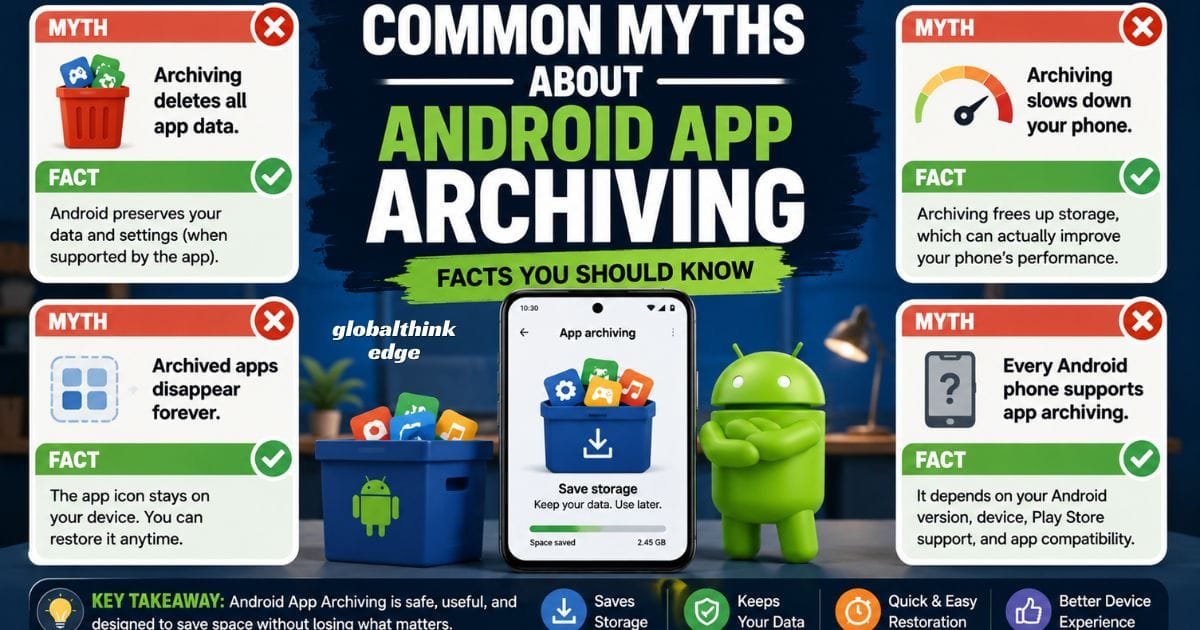
Common Myths About Android App Archiving
Many users misunderstand how this feature works. Here are a few common myths explained.
Myth: Archiving deletes all app data.
Reality: Android is designed to preserve your app data and settings whenever supported.
Myth: Archived apps disappear forever.
Reality: The app icon remains on your device, making restoration quick and simple.
Myth: Archiving slows your phone.
Reality: Archiving primarily frees storage. Maintaining sufficient free storage can actually contribute to smoother overall device performance.
Myth: Every Android phone supports app archiving.
Reality: Availability depends on your Android version, Google Play support, device manufacturer, and app compatibility.
Is Android App Archiving Safe?
Yes. Android app archiving is considered a safe feature because it is integrated into the Android ecosystem and is designed to preserve your information while reducing storage usage.
However, you should still follow basic security practices:
Download apps only from trusted sources.
Keep Android and apps updated.
Use strong account security.
Enable device backups.
Avoid modifying archived app files manually.
These habits help protect both your data and your device.

Who Benefits Most from Android App Archiving?
Android app archiving is especially useful for:
Users with 64GB or 128GB storage devices.
Students who install semester-based learning apps.
Travelers using temporary booking or airline apps.
Mobile gamers who rotate between large games.
Professionals who occasionally use specialized productivity tools.
Anyone who wants more free space without permanently removing apps.
Frequently Asked Questions
Does Android app archiving delete my app data?
No. In most supported cases, Android preserves your app data and settings, allowing you to continue where you left off after restoring the app.
How much storage can app archiving save?
The amount varies depending on the app. Large games and feature-rich applications typically free much more storage than smaller utility apps.
Can I use an archived app without downloading it again?
No. Android usually needs to restore the removed app files before the app can open.
Is app archiving better than uninstalling?
If you expect to use the app again, archiving is generally the better option because it saves storage while preserving your data.
Does app archiving work offline?
No. Restoring an archived app usually requires an internet connection to download the removed installation files.
Can I archive every installed app?
Not always. Support depends on the app itself, your Android version, Google Play compatibility, and your device.
Final Thoughts
Android app archiving is one of the smartest storage management features available for modern Android devices. Instead of forcing users to choose between keeping an app and freeing storage, it offers a practical middle ground. By removing unnecessary installation files while preserving important user data, it makes reclaiming space simple and convenient.
Whether your device is running low on storage or you simply want a cleaner, more efficient app library, Android app archiving can help you manage space without losing access to the apps you may need later. Combined with regular storage checks, timely updates, and good backup habits, this feature can keep your Android phone running smoothly while reducing the hassle of reinstalling apps from scratch.
