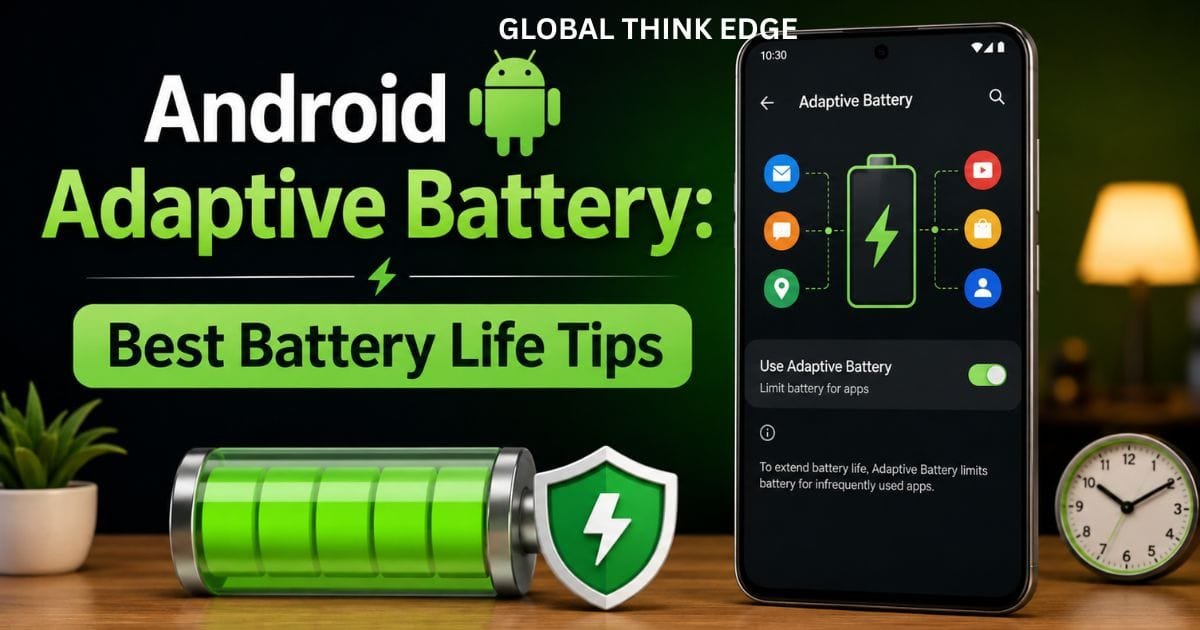
Android Adaptive Battery: Best Battery Life Tips
What Is Android Adaptive Battery?
Android Adaptive Battery is a built-in power-management feature that learns how you use apps and limits unnecessary battery activity in the background. Instead of treating every app equally, Android prioritizes apps you use frequently and reduces activity from apps you rarely open.
Google recommends keeping Adaptive Battery and battery optimization enabled because they can help extend battery life. On Pixel phones, the system learns from recent app usage and may take a few weeks to fully adjust after a new setup or factory reset.
The feature is different from Battery Saver. Adaptive Battery works continuously in the background, while Battery Saver is designed to provide more aggressive power savings when you need extra battery life.
How Android Adaptive Battery Works
Adaptive Battery looks at your app usage patterns and helps decide which apps deserve more background resources.
Apps you use often can remain more responsive, while rarely used apps may receive fewer opportunities to run background tasks, sync data, or consume system resources.
This approach works alongside Android’s broader power-management systems, including App Standby and Doze. Android can defer background jobs and network activity for apps that are not actively being used.
The result is not a fixed battery-saving percentage. Instead, the system continuously adjusts power management according to your usage.
Does Adaptive Battery Actually Save Battery?
Yes, it can help reduce unnecessary battery consumption, particularly from apps that frequently run in the background.
However, the benefit varies between phones, apps, Android versions, and individual usage habits. Adaptive Battery cannot overcome heavy screen usage, gaming, mobile-data use, poor signal strength, GPS activity, or a worn-out battery.
Think of it as an automatic background-management system rather than a solution for every battery problem.
How to Turn On Adaptive Battery on Android
The exact menu can differ by manufacturer and Android version. Google notes that battery settings can vary between devices, so your phone may use slightly different names or locations.
On supported Pixel devices, the current path is:
- Open Settings.
- Tap Battery.
- Select Battery Saver.
- Tap Adaptive Battery.
- Turn on Use Adaptive Battery.
On other Android phones, look under Settings > Battery, Battery and Device Care, or a similar battery management section.
If you cannot find the option, search for Adaptive Battery in the Settings app.
Why the Setting May Look Different
Samsung, OnePlus, Xiaomi, Motorola, and other manufacturers can customize Android’s battery-management interface.
Some phones combine adaptive battery with their own background restrictions. Others may expose app-level battery controls instead of showing the same menu found on Pixel devices.
Therefore, avoid assuming that a missing menu means the feature is unavailable. Your manufacturer’s battery-management system may handle similar functions automatically.
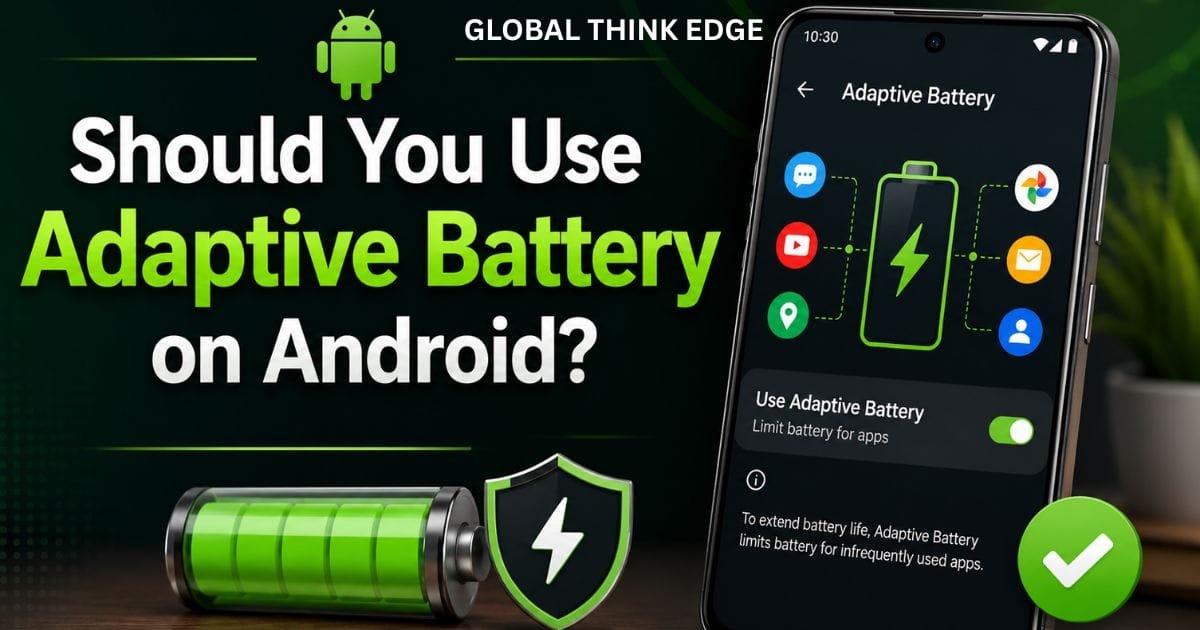
Should You Use Adaptive Battery on Android?
For most users, yes. Keeping Adaptive Battery enabled is generally the sensible default.
Google specifically recommends keeping Adaptive Battery and battery optimization on for Pixel phones.
The main advantage is that you do not need to manually restrict every app. Android can manage background activity based on your usage instead of forcing you to constantly inspect battery settings.
It is particularly useful if you have many installed apps that you rarely open.
When Adaptive Battery Is Most Useful
Adaptive Battery can be helpful when:
You have many apps installed.
Several apps run background processes.
Your phone spends long periods away from a charger.
You use certain apps frequently but rarely open others.
You want automatic battery management.
You do not want to manually restrict individual apps.
It is less likely to make a dramatic difference if your phone already has excellent battery efficiency and your main drain comes from the display, gaming, camera, or cellular connectivity.
Is It Good to Turn Off Adaptive Battery?
Usually, no. Turning it off removes an important layer of Android’s automatic battery management.
On Pixel devices, Google says Adaptive Battery can reduce background activity for less-used apps and may optimize battery consumption based on your behavior. Google also notes that this optimization can sometimes reduce performance or delay notifications.
That trade-off is intentional.
If an app must constantly perform background work, allowing unrestricted activity can increase battery consumption. Android’s power-management system exists partly to prevent apps from consuming resources when you are not actively using them.
When Turning It Off Could Make Sense
There are limited situations where testing with adaptive battery disabled may help diagnose a problem.
For example, if a specific app consistently delays important notifications or background actions, you can investigate that app’s individual battery settings rather than immediately disabling system-wide optimization.
If disabling Adaptive Battery appears to fix an issue, the better long-term approach is usually to identify the affected app and adjust its battery setting.
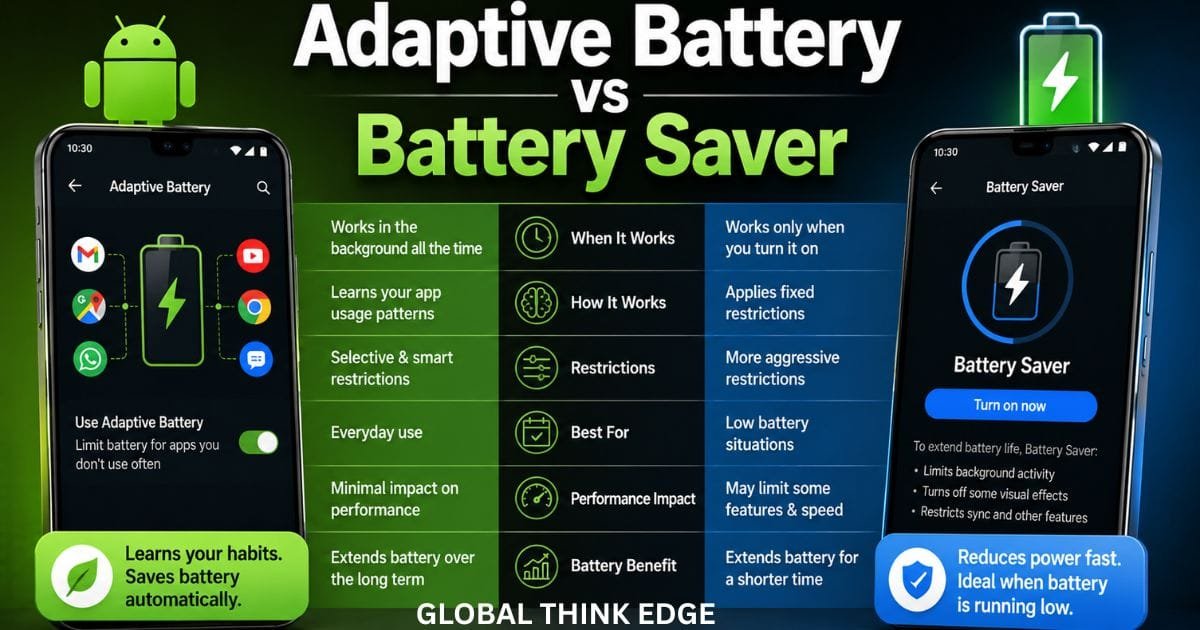
Adaptive Battery vs Battery Saver
These features have different purposes.
| Feature | Adaptive Battery | Battery Saver |
| Main purpose | Automatic long-term optimization | Immediate power saving |
| Runs continuously | Yes | Usually only when enabled |
| Learns usage patterns | Yes | No |
| Background restrictions | Selective | More aggressive |
| Best for | Everyday use | Low-battery situations |
| User interaction | Mostly automatic | Manual or scheduled |
Adaptive Battery is designed to work quietly in the background. Battery Saver is more noticeable because it can limit background activity, visual effects, network behavior, and other functions to stretch a low battery.
Using both is possible. Adaptive Battery can handle routine optimization while Battery Saver provides additional savings when the battery level becomes low.
Is Adaptive Charging the Same as Adaptive Battery?
No. They solve different battery problems.
Adaptive Battery focuses primarily on how apps consume power.
Adaptive charging focuses on how the phone charges its battery.
Adaptive Battery can limit unnecessary background activity. Adaptive charging can control charging behavior to reduce the amount of time the battery remains at a high charge level.
So, turning on Adaptive Battery does not mean your phone is using adaptive charging.
Is Adaptive Charging Good or Bad for the Battery?
Adaptive charging is generally intended to support battery longevity by managing charging behavior.
Battery health is affected by factors such as heat, charging habits, and how long the battery remains at high charge levels. Google also recommends avoiding excessive heat because high temperatures can accelerate battery wear.
The two features complement each other: Adaptive Battery manages software power consumption, while charging controls manage the charging process.
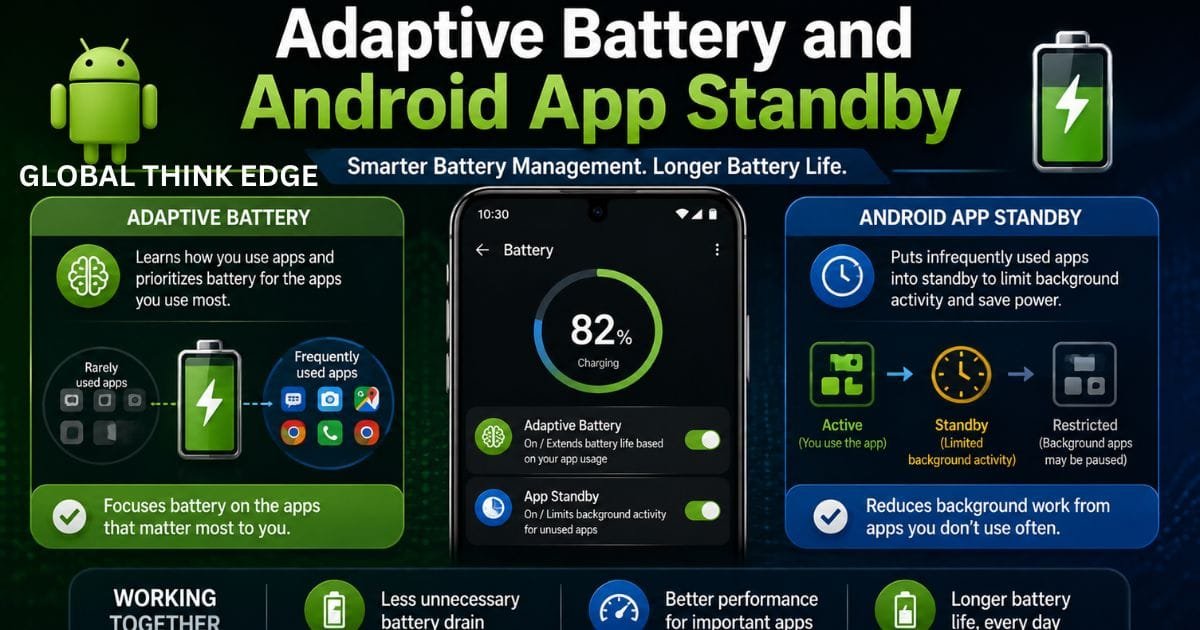
Adaptive Battery and Android App Standby
Adaptive Battery does not operate in isolation.
Android includes several power-management mechanisms that work together. App Standby can defer background network activity and jobs for apps you are not actively using. Doze can place an idle device into a deeper power-saving state and periodically allow pending work to run.
This layered approach matters because battery drain often comes from many small background activities rather than one obvious process.
Android can therefore reduce unnecessary work without requiring users to manually close apps all day.
Should You Manually Close Apps?
Usually, you do not need to constantly swipe apps away simply to save battery.
Android already manages background activity through its power-management systems. Repeatedly forcing apps closed can also be inconvenient because apps may need to restart their processes the next time you open them.
Instead, check Settings > Battery to identify apps that genuinely consume an unusual amount of power.
What to Do If Adaptive Battery Is Not Helping
If your battery still drains quickly with Adaptive Battery enabled, look beyond this single setting.
Start by checking your battery usage screen. Identify apps with unusually high background consumption and update them from Google Play.
Also check:
Screen brightness and screen timeout
Mobile-data and hotspot usage
GPS and location access
Bluetooth usage
Background activity from high-drain apps
Recent Android or app updates
Battery temperature
Battery age and overall condition
Google recommends keeping the phone cool because heat can increase battery drain and contribute to battery damage.
After a major software update, temporary extra battery drain can also occur while the phone downloads, processes, and optimizes software. Pixel documentation specifically notes that some increased drain after updates can be normal.
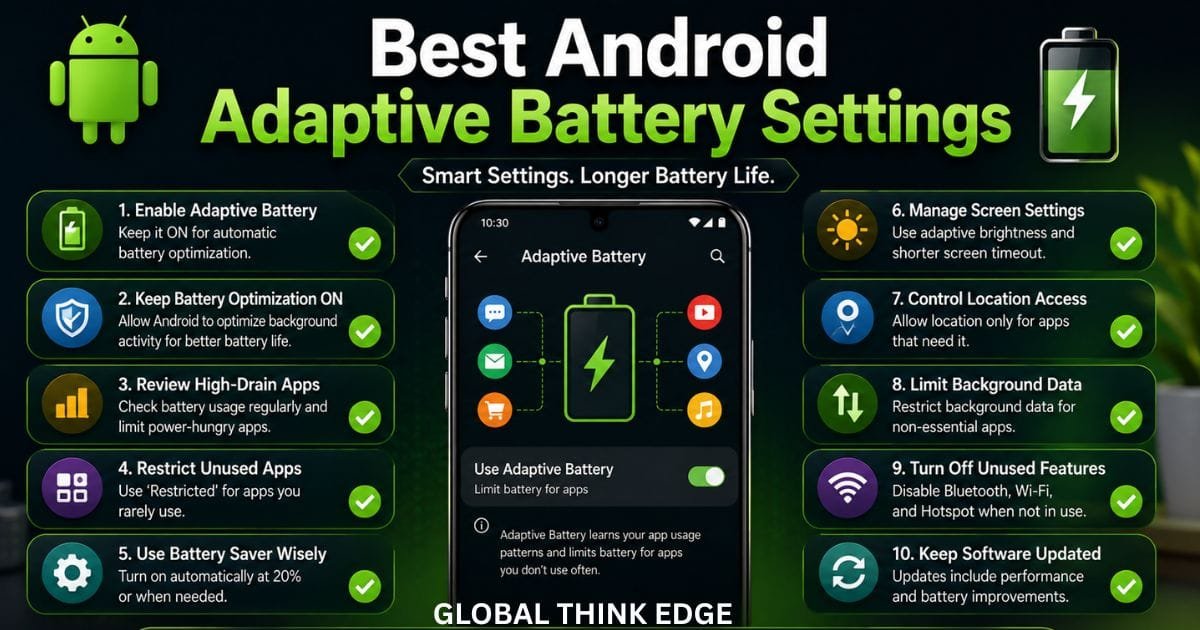
Best Android Adaptive Battery Settings
For most people, a balanced setup looks like this:
Adaptive Battery: On
Battery optimization: On
Battery Saver: Automatic when needed
High-drain apps: Review regularly
Unused apps: Remove or restrict when appropriate
Screen brightness: Automatic or moderate
Location: Off for apps that do not need it
Hotspot: Off when unused
Software: Keep Android and apps updated
Do not aggressively restrict every app. Some apps need background access for notifications, synchronization, wearables, messaging, navigation, or other functions.
Android’s own documentation warns that unnecessary battery-optimization exemptions can undermine the benefits of Doze and app standby.
Frequently Asked Questions
Does adaptive battery reduce performance?
It can in certain situations. Google notes that Adaptive Battery may reduce performance and delay notifications as part of its battery-saving behavior.
For normal everyday use, most people should leave it enabled unless a specific app is affected.
Does adaptive battery stop notifications?
It can delay some background activity, but it is not designed to simply block all notifications. If an important app has notification problems, check that app’s individual battery and notification settings.
How long does the adaptive battery take to learn?
On Pixel devices, Google says a new phone or a device after a factory reset may take a few weeks for battery optimization to fully take effect.
Does Adaptive Battery improve battery health?
Its primary purpose is reducing power consumption, not directly repairing or extending the physical battery’s health. Battery longevity also depends heavily on heat, charging behavior, and normal battery aging.
Should Adaptive Battery stay on all the time?
For most Android users, yes. Keeping it enabled allows Android to continuously optimize background battery usage without requiring constant manual adjustments.
Final Verdict
Android Adaptive Battery is worth keeping enabled for most users. It learns how you use apps and helps reduce unnecessary background power consumption while working with Android’s broader systems such as App Standby and Doze.
Turning it off rarely provides a meaningful advantage. If you experience delayed notifications or unusual behavior, investigate individual app battery settings first rather than disabling system-wide optimization.
For the best everyday results, keep Adaptive Battery and battery optimization enabled, monitor high-drain apps, keep the phone cool, and use Battery Saver when you need additional runtime.
