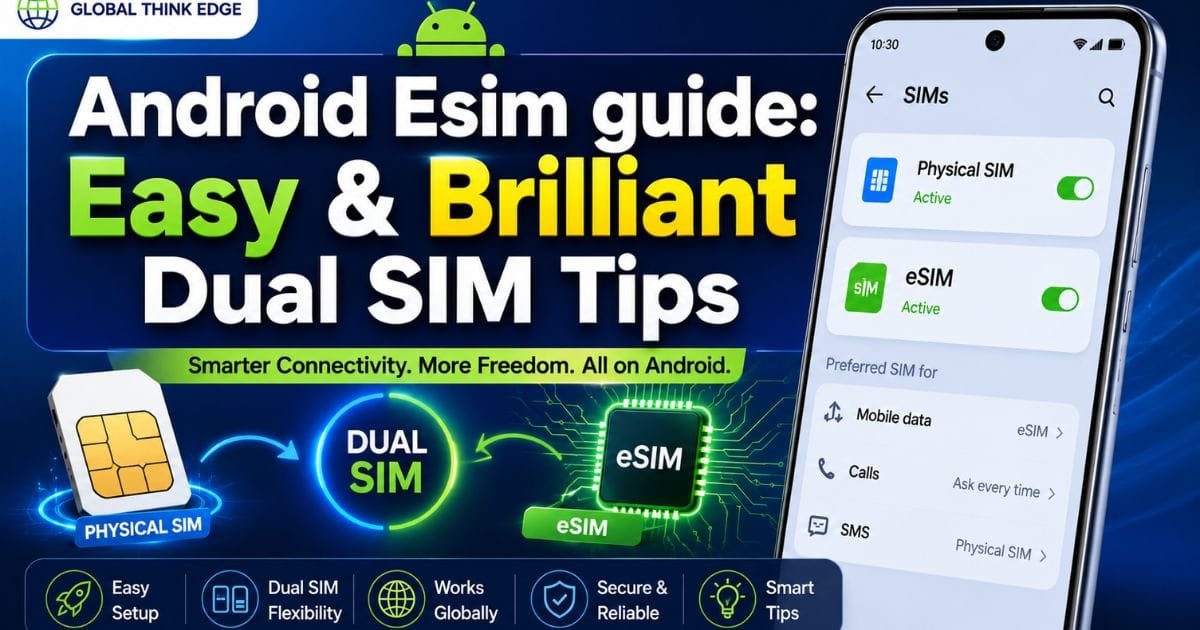
Android Esim guide: Easy & Brilliant Dual SIM Tips
What Is an eSIM on Android?
An eSIM is a built-in digital SIM that lets an Android phone connect to a mobile network without requiring a physical SIM card. Instead of inserting a plastic card, you download a carrier profile directly to the device.
An Android eSIM guide is useful because eSIM support differs between phone models, carriers, and regions. A phone may support eSIM hardware but still have restrictions depending on its market or network provider.
With eSIM, you can activate a mobile plan by scanning a carrier-provided QR code, using an activation app, or following the carrier’s setup instructions.
How Android eSIM Technology Works
An eSIM uses an embedded SIM component inside the phone. Your carrier profile is stored securely on that component and can be activated or removed through the phone’s network settings.
The phone does not need a physical SIM for an eSIM-only plan. However, many Android devices support both a physical SIM and an eSIM, allowing dual-SIM configurations.
Why Use an eSIM?
Common reasons include:
Easier carrier switching
Dual-SIM flexibility
Convenient travel connectivity
No physical SIM to lose or damage
Faster activation when supported by the carrier
Ability to keep separate personal and work numbers
How to Set Up an eSIM on Android
The exact menu names vary by manufacturer and Android version, but the general process remains similar.
1. Confirm eSIM Support
Before purchasing an eSIM plan, check whether your exact Android model supports eSIM.
Look at the manufacturer’s specifications or open the SIM settings and search for an option such as Add eSIM, Download a SIM, or Add mobile plan.
Also confirm that your carrier supports eSIM activation for your device.
2. Get an eSIM Plan
Your carrier normally provides an activation method after you purchase an eligible plan.
This may include:
QR code
Activation code
Carrier app
Automatic network setup
Manual SM-DP+ information
Keep the activation details available during setup.
3. Open SIM Settings
On many Android phones, you can find eSIM controls under the following:
Settings → Network & internet → SIMs
Samsung devices may use a similar path under the following:
Settings → Connections → SIM manager
Menu names can change between manufacturers and software versions.
4. Add the eSIM
Choose the option to add or download an eSIM. Follow the on-screen instructions and scan the carrier’s QR code when requested.
After the profile downloads, Android should display the new mobile plan in your SIM settings.
5. Select Your Default SIM
If you have two active SIMs, Android can usually let you choose which line handles calls, text messages, and mobile data.
You can keep both lines active while assigning different functions to each one.
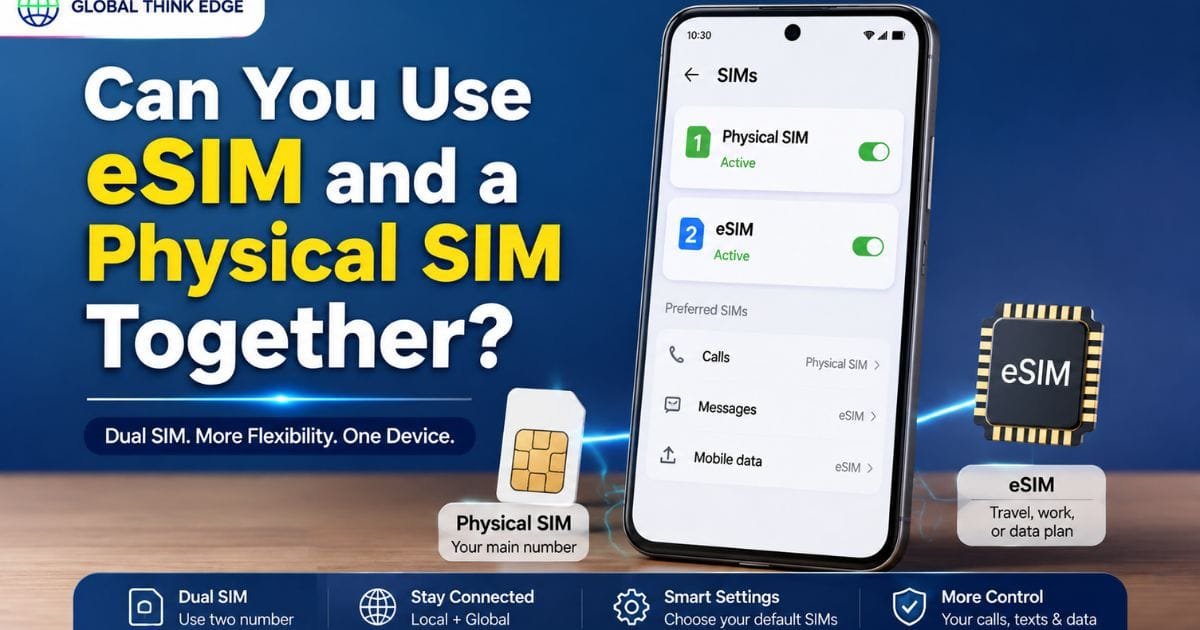
Can You Use eSIM and a Physical SIM Together?
Yes, many compatible Android phones support a physical SIM and eSIM at the same time.
This can be useful when you want two numbers on one device. For example, your physical SIM can handle your main number while an eSIM provides a separate travel or work plan.
However, dual-SIM behavior depends on the specific phone and carrier combination. Some models may restrict which SIMs can remain active simultaneously.
Should You Turn Off Your Primary SIM?
Not necessarily.
If your Android phone supports dual-SIM operation, you can normally keep the primary SIM enabled while using an eSIM. You can then select the preferred SIM for mobile data, calls, or messages.
Turning off the primary SIM makes sense when you specifically want to prevent roaming charges, avoid calls on that line, or use the eSIM exclusively.
Android eSIM Compatibility: What to Check
Not every Android phone supports eSIM.
Compatibility depends on three factors:
| Check | Why It Matters |
| Phone model | The device needs eSIM hardware and software support |
| Region | Some regional variants have different SIM capabilities |
| Carrier | The network must support eSIM activation for your device |
A model sold in one country can sometimes have different SIM capabilities from the same model sold elsewhere.
How to Check Your Phone
Search your phone’s SIM settings for an eSIM option. You can also check the model’s official specifications and contact your carrier.
Do not assume that every recent Android phone automatically supports eSIM.
Advantages and Disadvantages of Android eSIM
eSIM offers several practical benefits, but it is not perfect for every situation.
Main Advantages
Convenient activation: You can install a compatible mobile plan without waiting for a physical SIM.
Travel flexibility: Travelers can add a local or international data plan while keeping their existing number available.
Dual-SIM support: Compatible phones can combine an eSIM with a physical SIM or another supported configuration.
No physical card: There is no tiny SIM to remove, lose, or physically damage.
Main Disadvantages
Device compatibility: Older or lower-cost Android phones may not support eSIM.
Carrier restrictions: Your network provider must support eSIM activation.
Transfer can vary: Moving an eSIM to another phone may require a new activation process, depending on the carrier.
Regional differences: The same phone family can have different SIM features in different markets.
Setup depends on the carrier: A QR code or activation process can differ between providers.
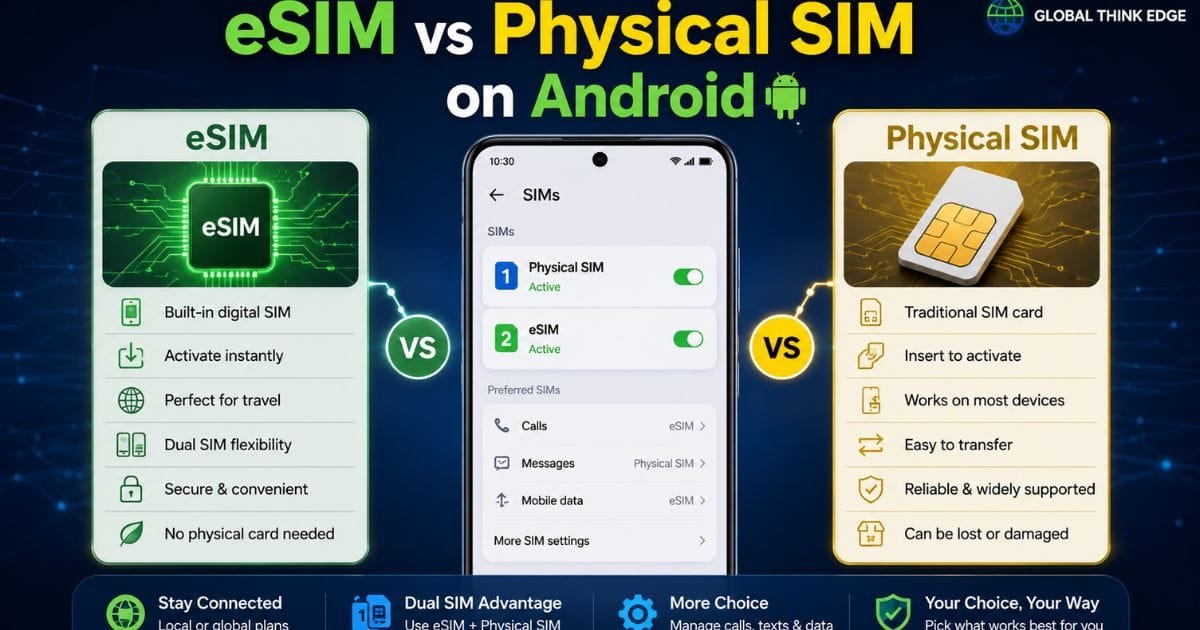
eSIM vs Physical SIM on Android
Both technologies connect your phone to a cellular network, but they differ in how the subscriber profile is installed.
| Feature | eSIM | Physical SIM |
| Physical card | No | Yes |
| Activation | Digital | Insert SIM |
| Travel plans | Convenient | Requires SIM replacement |
| Device support | Limited to compatible phones | Widely supported |
| Losing the card | Not applicable | Possible |
| Switching phones | A carrier process may be required | Usually simple card transfer |
| Dual-SIM use | Supported on compatible devices | Depends on phone configuration |
For frequent travelers or people who regularly manage multiple plans, eSIM can be particularly convenient.
For maximum device-to-device flexibility, a physical SIM can still be useful.
How to Switch Mobile Data Between SIMs
If both SIM profiles are active, Android generally allows you to select the SIM used for mobile data.
Open the SIM or mobile network settings and choose the preferred data SIM.
Some phones also provide options for automatically switching mobile data under certain conditions.
Remember that only the selected data line normally handles cellular internet traffic. Calls and messages can have separate SIM preferences.
Common Android eSIM Problems and Fixes
eSIM Option Is Missing
Check whether your exact phone model and regional variant support eSIM. Carrier restrictions can also prevent the feature from appearing.
QR Code Will Not Scan
Make sure the QR code is clear and displayed on another screen. Check that the activation code has not expired or already been used.
If scanning fails, look for a manual activation option provided by your carrier.
eSIM Has No Network
Confirm that the eSIM profile is enabled and that your carrier plan is active.
Restart the phone and check network settings. If the device remains disconnected, contact the carrier to verify activation and compatibility.
Mobile Data Does Not Work
Confirm that the eSIM is selected for mobile data. Also check whether mobile data, roaming, or the required network settings are enabled.
For travel eSIMs, data roaming may be required according to the provider’s instructions.
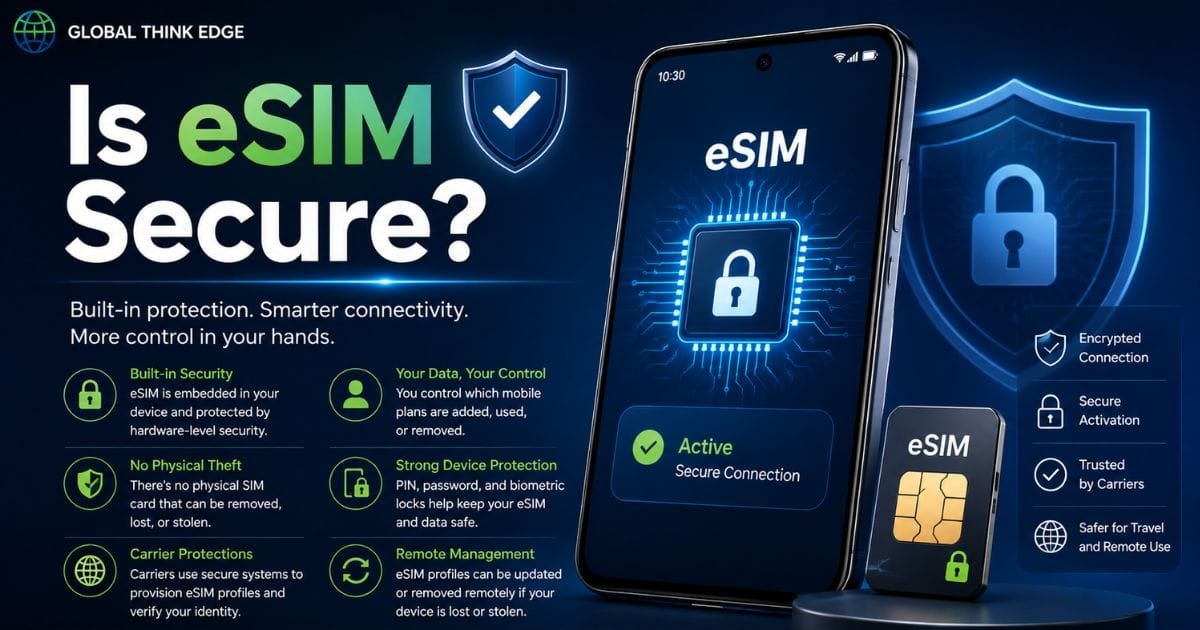
Is eSIM Secure?
An eSIM removes the physical SIM card from the activation process, but it does not make your phone completely immune to account or network-related threats.
Use strong device security, protect your carrier account, and avoid sharing activation information publicly.
If you lose your phone, contact your carrier promptly so they can help secure or deactivate the affected service.
Frequently Asked Questions
How do I use my eSIM on Android?
Check that your Android phone and carrier support eSIM, open the SIM settings, select the option to add an eSIM, and follow the carrier’s activation process.
What is the disadvantage of eSIM?
The biggest limitations are compatibility and carrier dependency. Moving an eSIM between phones can also require additional activation steps.
Do I turn off the primary SIM when using eSIM?
No. If your phone supports dual-SIM operation, you can keep the primary SIM active and choose which SIM handles calls, texts, and mobile data.
Can I use eSIM on any Android phone?
No. eSIM works only on compatible Android models, and support can vary by region and carrier.
Can I remove an eSIM from Android?
Yes, compatible Android phones generally provide an option to erase or remove an installed eSIM profile. Removing the profile from the phone does not necessarily cancel the underlying carrier plan, so check with your provider before deleting it.
Final Takeaway
An Android eSIM can make mobile connectivity more flexible, especially for dual-SIM users and travelers. The key is to verify phone compatibility, regional support, and carrier activation before purchasing a plan.
If all three match, setup is usually straightforward: obtain the carrier’s activation details, add the eSIM through Android’s SIM settings, and select your preferred SIM for calls, messages, and data.
For everyday use, eSIM is best viewed as an alternative to the physical SIM rather than a replacement that works on every Android device.
