SigmaOS Browser Review: Features, AI, Safety & Verdict
What Is SigmaOS Browser?
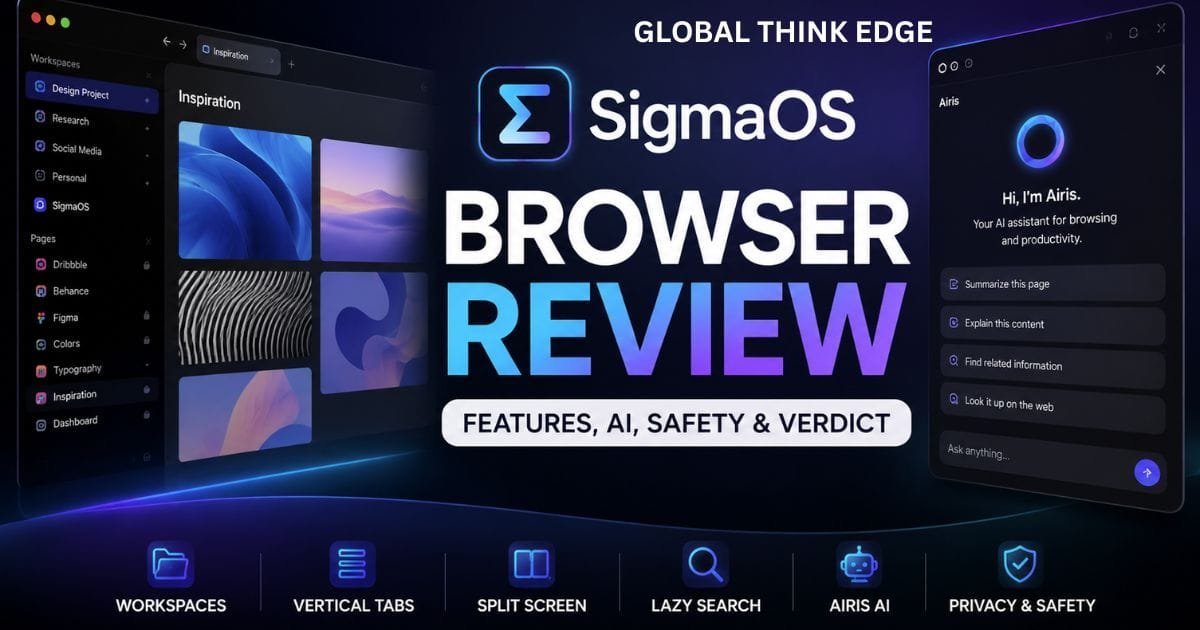
SigmaOS is a productivity-focused web browser designed to change how people organize and use the internet. Instead of putting every website into a traditional horizontal tab bar, SigmaOS uses Workspaces, vertical Pages, keyboard shortcuts, Split Screen, and built-in AI tools to create a more structured browsing experience.
The browser is built specifically for macOS and uses WebKit with native SwiftUI integration. It also supports many Chromium extensions, giving users access to familiar productivity tools while keeping SigmaOS’s distinctive interface.
The main idea behind SigmaOS is simple: browsing should feel more like managing work than collecting tabs.
That approach makes it particularly interesting for students, researchers, developers, writers, designers, founders, and anyone who regularly works with many websites at once.
However, SigmaOS is not automatically better than Chrome, Safari, Firefox, or Zen Browser. Its unusual workflow takes some adjustment, and macOS users are currently its primary audience.
SigmaOS Browser Review: Key Features at a Glance
| Feature | SigmaOS |
| Platform | macOS |
| Browser engine | WebKit |
| Interface | Vertical Pages |
| Workspaces | Yes |
| Split Screen | Yes |
| AI assistant | Airis |
| AI web research | Yes |
| Chromium extensions | Yes |
| Password protection | Apple Keychain |
| Free version | Yes |
| Paid plans | Available |
| Best suited for | Productivity-focused users |
SigmaOS Workspaces Make Browsing More Organized
Workspaces are one of SigmaOS’s defining features.
Instead of keeping work, research, shopping, entertainment, and personal accounts together, users can separate them into individual workspaces. Each workspace contains its own collection of pages, creating a cleaner environment for different activities.
For example, a freelance writer could create separate work spaces for:
Client projects
Content research
Email
Personal browsing
Competitor analysis
This approach reduces the need to maintain dozens of browser windows.
It also makes switching between projects faster because everything related to a particular task stays together.
Vertical Pages Replace the Traditional Tab Bar
SigmaOS calls its tabs “Pages” and displays them vertically.
This design gives users more room to see page titles and understand what is currently open. Instead of squeezing dozens of tabs across the top of the screen, SigmaOS presents them as an organized list.
The system works particularly well for research because users can keep many related pages visible without losing track of their purpose.
SigmaOS also supports actions designed around task management, allowing users to treat pages as temporary work items rather than permanent browser clutter.
Lazy Search Makes Navigation Faster
SigmaOS also focuses heavily on keyboard-based navigation.
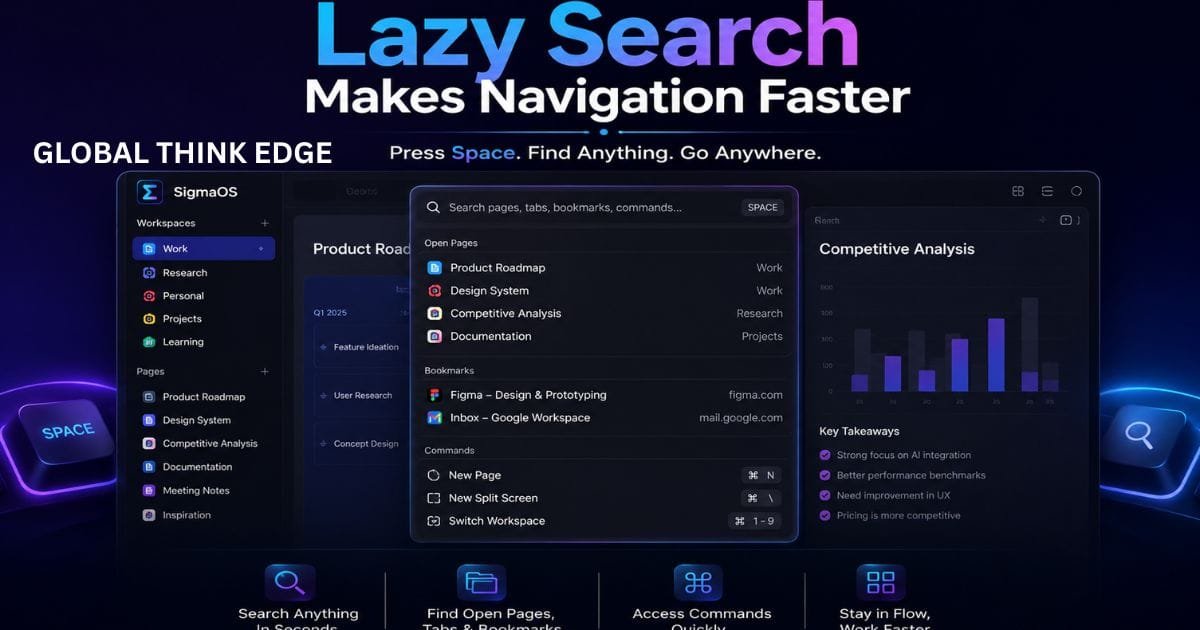
Its Lazy Search feature lets users press the spacebar and search across their open pages, the internet, bookmarks, and browser commands.
This can save time for people who prefer keyboard shortcuts over repeatedly clicking through menus.
SigmaOS also supports customizable keyboard shortcuts, which means users can adapt the controls to their preferred workflow.
The benefit becomes more obvious once you have many pages open.
Instead of visually searching through a long list, you can search for the page or action you need.
Split Screen Is Useful for Multitasking
SigmaOS includes Split Screen for viewing multiple pages together.
This feature is useful when two websites need to remain visible at the same time. For example, you could keep a research article on one side and a document or note-taking application on the other.
It can also help with:
Comparing products
Researching competitors
Following tutorials
Writing while referencing another page
Monitoring dashboards
Comparing multiple sources
For productivity-focused users, this removes some of the friction associated with constantly switching between browser windows.
Airis Brings AI Into the Browser
Airis is SigmaOS’s built-in AI browser companion.
According to SigmaOS, Airis can understand the website currently open and help users find information, explain paragraphs, answer questions about a webpage, and perform broader web research through its “Look it up” capability.
This makes Airis different from simply opening ChatGPT in another browser tab.
The AI is designed around the browsing context.
For example, when reading a long technical article, a user can ask Airis to explain a difficult section instead of copying the information into a separate AI tool.
Potential uses include:
Summarizing webpage information
Explaining complicated text
Finding information within a page
Asking questions about an article
Starting research on unfamiliar topics
Exploring multiple web sources
This makes SigmaOS particularly attractive to users who already rely heavily on AI for research and information discovery.
Is SigmaOS AI safe?
SigmaOS includes privacy and security protections, but users should understand how Airis handles webpage information before using it with sensitive content.
SigmaOS states that when Airis is actively used, visible plain-text content from the current webpage may be sent to OpenAI for processing. The company says cookies, extensions, preferences, and passwords are not transmitted through Airis. However, personal information visible as webpage text may be included in the AI context.
That means users should be careful when using Airis on pages containing confidential business information, private documents, financial information, or other sensitive material.
Airis is optional rather than something that must be used for normal browsing.
So, the safest approach is simple: use SigmaOS normally when you do not need AI, and only activate Airis when you are comfortable with the webpage content being processed.
Is SigmaOS Secure for Everyday Browsing?
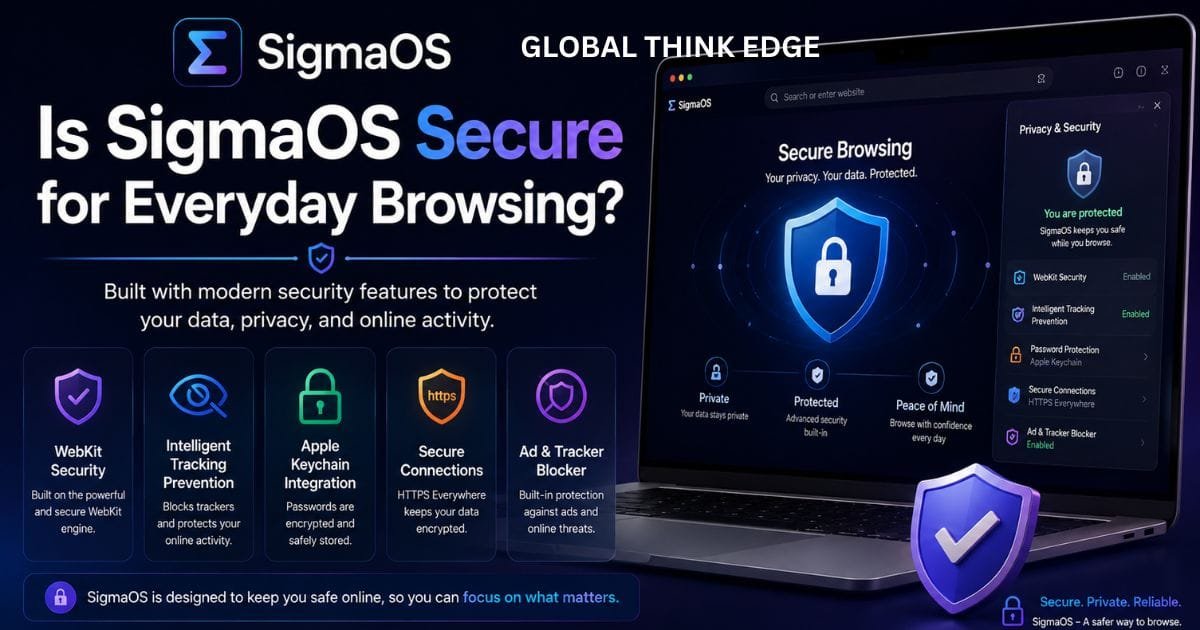
SigmaOS uses Apple’s Keychain to protect stored passwords and supports biometric protection where available. It is also based on WebKit and benefits from WebKit’s built-in security and privacy technologies, including Intelligent Tracking Prevention.
These are meaningful security features.
However, browser security also depends on software maintenance, extensions, operating-system updates, and the websites you visit. Users should therefore keep macOS updated and avoid installing unnecessary extensions.
SigmaOS also supports Chromium extensions, which expands its functionality but means users should still carefully evaluate the extensions they install.
SigmaOS Performance and Compatibility
SigmaOS is built with native SwiftUI for macOS and is optimized around Apple’s ecosystem.
Its WebKit foundation can make it an attractive choice for Mac users who want a browser that fits naturally into the platform.
However, browser performance is not determined by the engine alone. The number of active pages, extensions, websites, background processes, and the Mac’s hardware can all influence the experience.
Extension compatibility is another important consideration.
SigmaOS supports many Chromium extensions, which means users can continue using familiar tools. Still, compatibility is not guaranteed for every extension, so people who depend on specialized browser add-ons should test their essential tools before switching permanently.
SigmaOS Pricing: Is It Worth Paying For?
SigmaOS offers a free Personal version.
The current official pricing page lists Personal as free, while Personal Pro starts at $20 per month and provides expanded Airis capabilities. Personal Max is listed at $30 per month with additional AI models and research capabilities.
The free version includes features such as Workspaces, an ad blocker, and limited Airis access.
That makes the free tier useful for people who want to test the workflow before paying.
The subscription becomes more relevant for users who depend heavily on AI features and want higher usage limits.
SigmaOS vs Zen Browser
SigmaOS and Zen Browser both appeal to users who want a more productive alternative to conventional browser layouts, but their foundations and priorities are different.
| Category | SigmaOS | Zen Browser |
| Main focus | Productivity workflow | Customization and productivity |
| Engine | WebKit | Firefox/Gecko |
| Workspaces | Yes | Yes |
| Vertical tabs | Yes | Yes |
| Built-in AI | Airis | Less central |
| Operating systems | macOS | Windows, macOS, Linux |
| Open source | No | Yes |
| Best for | Mac productivity users | Cross-platform users |
Which browser is better, SigmaOS or Zen Browser?
Choose SigmaOS if you use a Mac and want an integrated Workspace system with built-in AI.
Choose Zen Browser if you want a Firefox-based, customizable browser that works across multiple desktop operating systems.
Neither browser wins for every user.
SigmaOS Pros and Cons
Pros
Excellent Workspace organization
Vertical Page layout
Built-in Split Screen
Strong keyboard navigation
Airis AI integration
Web research features
Chromium extension support
Apple Keychain integration
Free version available
Productivity-focused interface
Cons
Currently limited to macOS
It takes time to learn
Some extensions may not work perfectly
Paid plans are needed for heavier AI usage
The interface may feel unusual to traditional browser users
AI requires careful handling of sensitive webpage content
Is SigmaOS Good for Everyday Browsing?
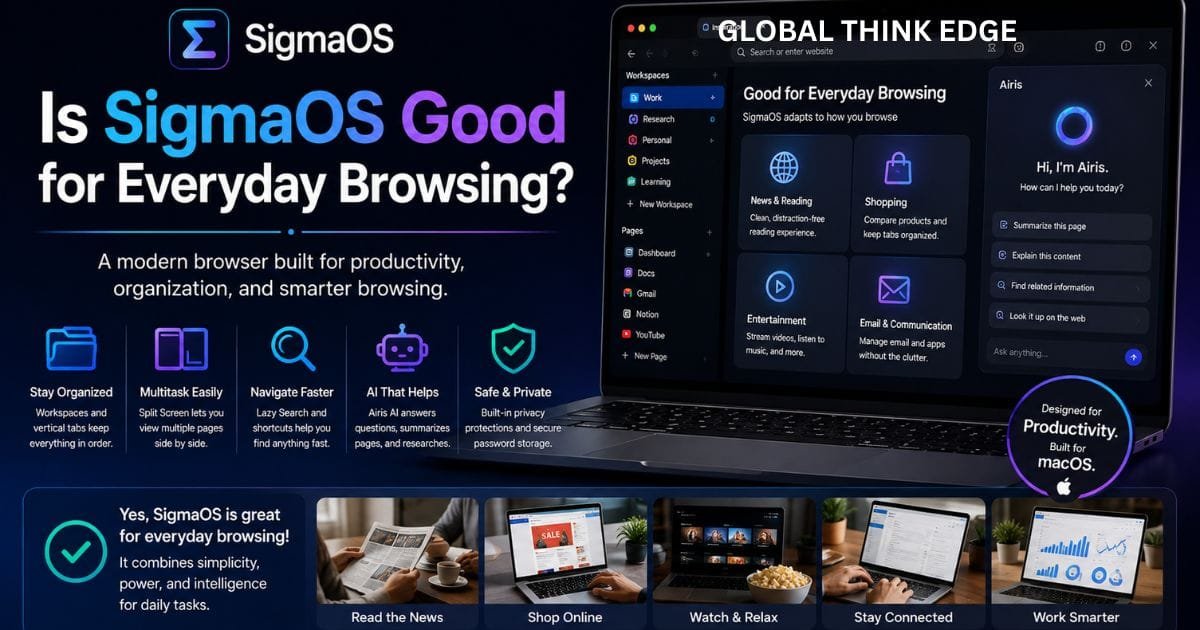
Yes, especially if your browsing is closely connected to work.
SigmaOS makes the most sense for people who spend hours managing websites, documents, research sources, communication tools, and web applications.
It is less compelling for casual users who simply want to open websites, watch videos, check email, and search the internet.
The browser’s biggest advantage is its workflow rather than a single feature.
If you frequently lose important tabs or struggle to separate different projects, SigmaOS can provide a more structured approach.
What Are the Top 3 Best Browsers?
There is no single ranking that works for everyone because browsers serve different purposes.
For a general shortlist:
- Google Chrome has strong compatibility and a huge extension ecosystem.
- Safari is a natural choice for Apple users who prioritize system integration.
- Zen Browser appealing to users who want customization and a productivity-oriented interface.
SigmaOS deserves a place on the shortlist for Mac users who prioritize organized browsing and AI-assisted research.
Final Verdict
SigmaOS is an unconventional browser, and that is exactly what makes it interesting.
Its Workspaces, vertical Pages, Split Screen, Lazy Search, and Airis AI tools create a browsing environment that feels closer to a productivity workspace than a traditional browser.
The experience is especially useful for people who manage multiple projects or spend much of their day researching and working online.
The biggest drawbacks are its macOS-only availability, learning curve, extension compatibility considerations, and the need to understand how AI features process webpage content.
Our verdict: SigmaOS is worth trying if you are a Mac user who wants a productivity-first browser. If you prefer a familiar interface, broad platform availability, or maximum compatibility, Chrome, Safari, Firefox, or Zen Browser may be a better fit.
Frequently Asked Questions
Is the Sigma AI browser safe?
SigmaOS has built-in security features such as Apple Keychain and WebKit privacy protections. Airis is optional, but when activated, visible webpage text can be processed through OpenAI. Users should avoid using Airis on sensitive pages unless they are comfortable with that processing.
Is SigmaOS good?
Yes. SigmaOS is particularly good for Mac users who want better tab organization, Workspaces, vertical Pages, Split Screen, keyboard navigation, and integrated AI. It is less suitable for users who prefer a traditional browser interface.
Which browser is better, SigmaOS or Zen Browser?
SigmaOS is better for Mac users who want a productivity-focused workflow with integrated Airis AI. Zen Browser is better for users who want a cross-platform, Firefox-based, and highly customizable experience.
What are the top 3 best browsers?
Chrome, Safari, and Zen Browser are strong general choices, but the best browser depends on your needs. SigmaOS can be a better choice for Mac users who prioritize productivity and organized browsing.
Is SigmaOS free?
Yes. SigmaOS offers a free Personal version. Its paid plans provide additional AI capabilities and higher usage levels.
Does SigmaOS work on Windows?
No. SigmaOS’s official website currently lists macOS as its available platform and says Windows support is still to come.
Does SigmaOS support Chrome extensions?
Yes. SigmaOS supports many Chromium extensions and allows users to install popular extensions from the Chrome Web Store.
Does SigmaOS have built-in AI?
Yes. SigmaOS includes Airis, which can interact with webpage content, answer questions, explain information, and perform web research.
Is SigmaOS better than Chrome?
For productivity-focused Mac users, SigmaOS can provide a more organized workflow. Chrome remains the safer general-purpose choice for users who prioritize broad compatibility, familiarity, and its large extension ecosystem.
Who should use SigmaOS?
SigmaOS is best suited to students, researchers, writers, developers, creators, entrepreneurs, and professionals who regularly manage many browser-based tasks and want their browsing environment organized around projects.
