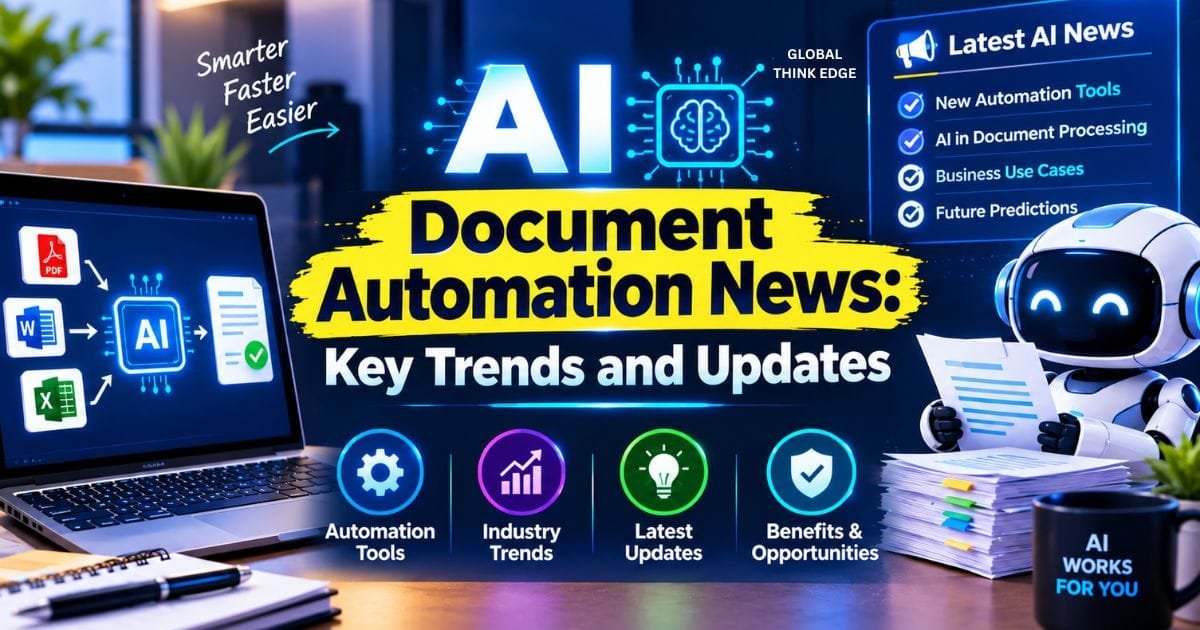
AI Document Automation News: Key Trends and Updates
What Is the Latest AI Document Automation News?
The latest AI document automation news shows a shift from basic document processing to predictive, context-aware, and governed automation. New systems can understand different document formats, predict future workflow needs, and involve people when AI needs review.
The main developments include predictive document lifecycles, template-free document understanding, stronger AI governance, intelligent data capture, and closer integration with business workflows.
Key AI Document Automation Trends
Predictive Document Lifecycles
AI document automation is moving from reactive processing to predictive workflows.
Traditional systems process a document after it arrives. Newer AI systems can also identify what may be needed next. They can monitor contracts, renewal dates, regulatory changes, and other time-sensitive information.
Rossum highlights this move toward predictive document lifecycles. Its approach focuses on using AI to anticipate future documentation requirements instead of only processing existing files.
Why it matters: Businesses can identify upcoming tasks earlier and reduce missed renewals, compliance issues, and manual follow-ups.
AI Governance for Enterprise Documents
AI governance is becoming a major part of document automation.
Organizations often process contracts, financial records, customer information, and other sensitive documents. They need controls that explain how AI handles this information and when humans should review its output.
S-Docs has expanded its Salesforce-native document automation capabilities around this need, particularly for regulated organizations.
The important governance areas include
- Data security
- Access control
- Audit trails
- Human review
- Compliance monitoring
- AI output validation
The industry is therefore moving toward governed AI automation, not uncontrolled automation.
AI-Powered Intelligent Document Processing
Intelligent document processing is also seeing increased investment and consolidation.
Valsoft Corporation’s TAG Software Group acquired Square 9 Softworks to expand AI-powered data capture and workflow automation capabilities.
This reflects a broader market trend. Document automation is increasingly combining:
- Document capture
- Data extraction
- AI classification
- Workflow automation
- Records management
- Business process automation
The goal is to move information from a document into the correct business process with fewer manual steps.
Template-Free Document Understanding
Modern AI document automation does not always require a fixed template.
Older systems often depended on predefined locations for fields. If an invoice or form changed its layout, the system could struggle to identify the correct information.
AI-based systems can analyze the content, structure, and context of a document.
This makes them better suited to documents with:
- Different layouts
- Unusual formatting
- Multiple suppliers
- Angled photographs
- Scanned pages
- Changing field positions
For businesses handling documents from many sources, this flexibility can reduce the need to create and maintain separate templates.
How AI Document Automation Works
AI document automation generally follows four steps:
1. Capture
The system receives a document from email, cloud storage, a scanner, an application, or another source.
2. Understand
AI identifies the document type and extracts relevant information from text, tables, images, and layouts.
3. Validate
The system checks the extracted information against business rules or sends uncertain cases for human review.
4. Act
The approved information moves into the next workflow, such as payment approval, contract management, record storage, or another business process.
This workflow is what separates modern document automation from simple OCR.
AI Document Automation vs. Traditional Automation
| Feature | Traditional Automation | AI Document Automation |
| Document handling | Rule- or template-based | Context-aware |
| Data extraction | OCR and fixed fields | AI-based extraction |
| Layout changes | Can cause problems | More adaptable |
| Document types | Usually predefined | Broader document support |
| Decisions | Fixed rules | AI-assisted |
| Human review | Mainly exceptions | Built into workflows |
| Prediction | Limited | Increasingly predictive |
The main difference is understanding. Traditional automation often follows predefined instructions, while AI systems can interpret less predictable documents.
Human-in-the-Loop Automation
AI does not need to handle every document without human involvement.
A human-in-the-loop model sends uncertain or high-risk cases to an employee. Routine documents can continue through automated processing.
Human review is especially useful for:
- High-value transactions
- Sensitive records
- Missing information
- Conflicting data
- Unusual documents
- Compliance-related decisions
This approach improves control without removing the efficiency of automation.
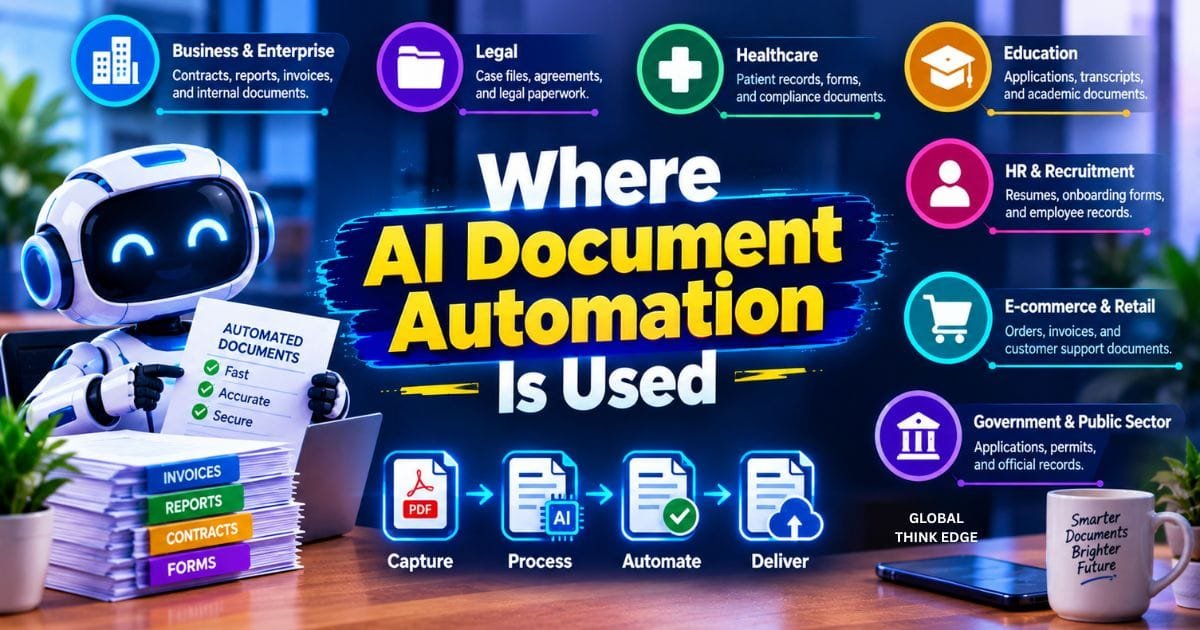
Where AI Document Automation Is Used
Finance
Finance teams can automate invoice extraction, receipt processing, payment documents, and financial records.
Healthcare
Healthcare organizations can process forms, claims, records, and administrative documents more efficiently while maintaining appropriate controls.
Legal
Legal teams can use AI to process contracts, agreements, case documents, and compliance records.
Government
Government agencies can use document AI for applications, forms, records, and large document collections.
Enterprise Operations
Large businesses can connect document processing with CRM, ERP, cloud storage, approval systems, and other business applications.
Why AI Document Automation Matters
The biggest benefit is not simply faster scanning.
AI document automation can reduce manual data entry and repetitive document handling while making information available to the right workflow faster.
Key benefits include:
- Faster processing
- Lower manual workload
- Better scalability
- Flexible document recognition
- Reduced repetitive entry
- Faster workflow routing
- Earlier identification of document-related tasks
However, automation still requires validation. Incorrect extraction, privacy problems, weak governance, and poor integrations can create business risks.
What to Watch in AI Document Automation
The next stage of AI document automation is likely to focus on four areas.
Predictive automation: AI will increasingly identify what documents or actions may be required next.
Multimodal understanding: Systems will combine text, tables, images, layouts, and other document signals.
Governed AI: Security, auditability, permissions, and human oversight will become more important for enterprise adoption.
Workflow intelligence: AI will move beyond extracting information and help determine the next business action.
These developments could turn document automation into a broader AI-powered workflow layer for businesses.
Final Verdict
The latest AI document automation news points to a clear change in the industry. Document AI is moving beyond OCR and fixed templates toward predictive processing, contextual understanding, human oversight, and governed automation.
The strongest systems will not simply read documents. They will understand the information, identify the correct workflow, flag uncertain cases, and help businesses act on the data.
For companies considering document AI, the most important factors are accuracy, security, integration, governance, and human review. These areas will matter as much as processing speed in the next generation of document automation.
