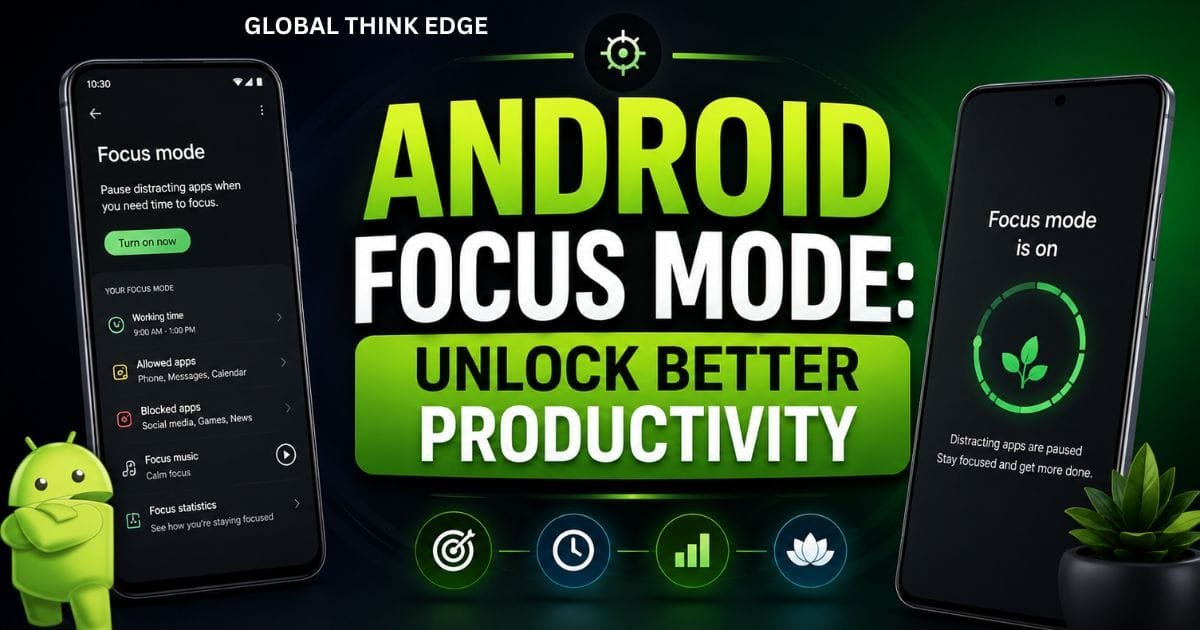
Android Focus Mode: Unlock Better Productivity
What Is Android Focus Mode?
Android Focus Mode is a built-in Digital Wellbeing feature that helps users stay focused by temporarily pausing distracting apps. When Focus Mode is enabled, selected apps become inaccessible, and their notifications remain silent until the mode is turned off.
Unlike Do Not Disturb, which mainly manages notifications and calls, Android Focus Mode specifically targets apps that consume attention. It is designed for work sessions, studying, reading, meetings, and any activity that requires deep concentration.
As smartphones continue to compete for attention, Focus Mode has become one of the most effective tools for reducing screen distractions and improving daily productivity.
Quick Answer
Android Focus Mode lets you pause distracting apps and silence their notifications for a set period, helping you concentrate on important tasks without constantly checking your phone.
Why Android Focus Mode Matters Today
Modern smartphone users receive dozens or even hundreds of notifications daily. Social media updates, messaging alerts, gaming reminders, and promotional notifications often interrupt important work.
Android Focus Mode helps solve this problem by creating a distraction-free environment.
Key Benefits
Reduces screen distractions
Improves concentration
Helps build healthier digital habits
Supports better time management
Encourages deep work sessions
Limits unnecessary app usage
Helps students study more effectively
Research in productivity and behavioral psychology consistently shows that frequent interruptions reduce efficiency and increase task completion time. Focus Mode directly addresses this challenge.
How Android Focus Mode Works
When activated, Focus Mode temporarily disables selected applications.
Common examples include:
Instagram
Facebook
TikTok
YouTube
X (Twitter)
Mobile games
Shopping apps
Users can manually start Focus Mode or schedule it to activate automatically during specific hours.
When an app is paused:
The app icon appears grayed out
Notifications remain silent
The app cannot be opened normally
Usage tracking continues through Digital Wellbeing
This creates a controlled environment that encourages users to stay on task.
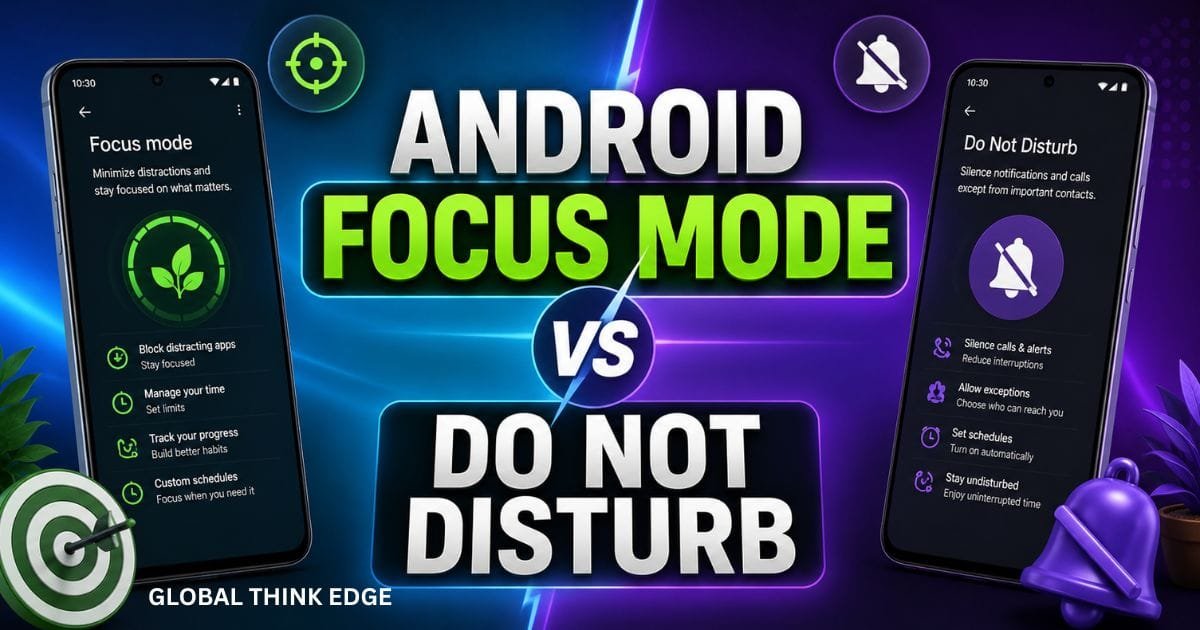
Android Focus Mode vs Do Not Disturb
| Feature | Android Focus Mode | Do Not Disturb |
| Blocks selected apps | Yes | No |
| Silences app notifications | Yes | Yes |
| Blocks app access | Yes | No |
| Allows emergency calls | Yes | Yes |
| Scheduled activation | Yes | Yes |
| Productivity-focused | Yes | Partially |
The biggest difference is that Focus Mode actively restricts access to distracting apps, while Do Not Disturb mainly manages interruptions.
How to Enable Android Focus Mode
Most Android devices running Android 10 or later include Focus Mode through Digital Wellbeing.
Step 1: Open Settings
Navigate to:
Settings > Digital Wellbeing & Parental Controls
Step 2: Select Focus Mode
Tap Focus Mode from the available options.
Step 3: Choose Distracting Apps
Select the apps you want to pause during focus sessions.
Examples include:
Social media platforms
Streaming services
Mobile games
News applications
Step 4: Activate Focus Mode
Tap Turn On Now.
The selected apps will immediately become unavailable.
How to Schedule Focus Mode
Scheduling helps automate productivity routines.
Configure a Schedule
- Open Focus Mode settings
- Tap Set a Schedule
- Choose days of the week
- Select start and end times
- Save the schedule
For example:
| Activity | Suggested Schedule |
| Work | 9:00 AM – 5:00 PM |
| Study | 7:00 PM – 10:00 PM |
| Reading | 8:00 PM – 9:00 PM |
| Exam Preparation | Custom schedule |
Automation removes the need to remember turning Focus Mode on and off manually.
Taking Breaks with Focus Mode
Android understands that occasional access to apps may be necessary.
Users can temporarily disable Focus Mode by selecting Take a Break.
Common break durations include:
5 minutes
15 minutes
30 minutes
After the selected period ends, Focus Mode automatically resumes.
This feature supports productivity without feeling overly restrictive.
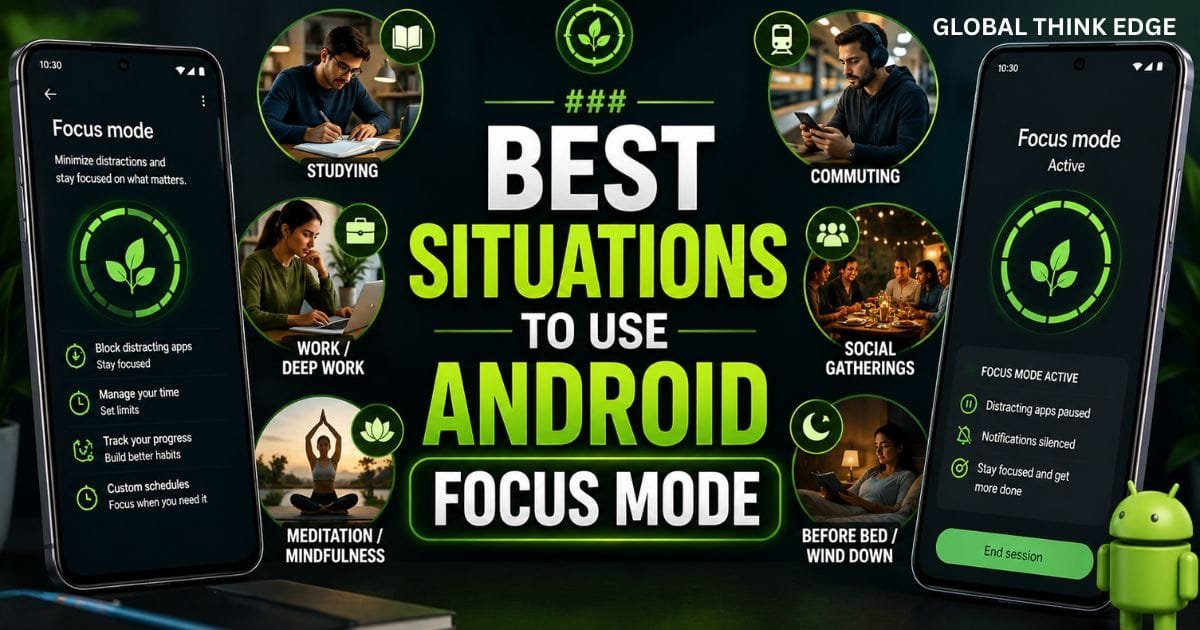
Best Situations to Use Android Focus Mode
During Work Hours
Focus Mode minimizes interruptions from social media and entertainment apps while working.
While Studying
Students can prevent distractions from messaging apps and video platforms during study sessions.
During Meetings
Important meetings often require complete attention. Focus Mode ensures unnecessary apps remain inaccessible.
Reading and Learning
Whether reading an eBook or completing an online course, Focus Mode helps maintain concentration.
Family Time
Many users schedule Focus Mode during evenings to reduce screen dependency and spend more time with family.
Advanced Productivity Tips
Group Similar Tasks Together
Use Focus Mode while handling related tasks in one session. This reduces mental switching and improves efficiency.
Combine Focus Mode with Do Not Disturb
Using both features simultaneously creates a powerful distraction-free environment.
Track Screen Time
Digital Wellbeing provides detailed reports showing the following:
Daily screen time
App usage duration
Notification counts
Unlock frequency
Reviewing this data helps identify habits that affect productivity.
Use Focus Sessions
Work in focused intervals, such as
25 minutes work, 5 minutes break
50 minutes work, 10 minutes break
90 minutes deep work, 15 minutes break
Focus Mode supports these techniques effectively.
Common Android Focus Mode Features
App Pausing
Selected apps remain inaccessible until Focus Mode ends.
Notification Control
Notifications from paused apps stay silent.
Scheduled Activation
Automatic schedules support consistent routines.
Quick Settings Access
Many Android devices provide a Focus Mode shortcut in Quick Settings.
Digital Wellbeing Integration
Usage data remains visible for habit tracking and improvement.
Android Focus Mode on Different Devices
While the feature is part of Android, manufacturers may customize its appearance.
Google Pixel
Provides the most complete digital well-being experience with direct focus mode integration.
Samsung Galaxy
Available through Digital Wellbeing with Samsung-specific interface adjustments.
OnePlus
Supports Focus Mode along with additional productivity tools.
Xiaomi Devices
May include Focus Mode through Digital Wellbeing or custom wellness features.
Oppo and Realme
Offer Focus Mode functionality with manufacturer-specific layouts.
The core functionality remains largely the same across devices.
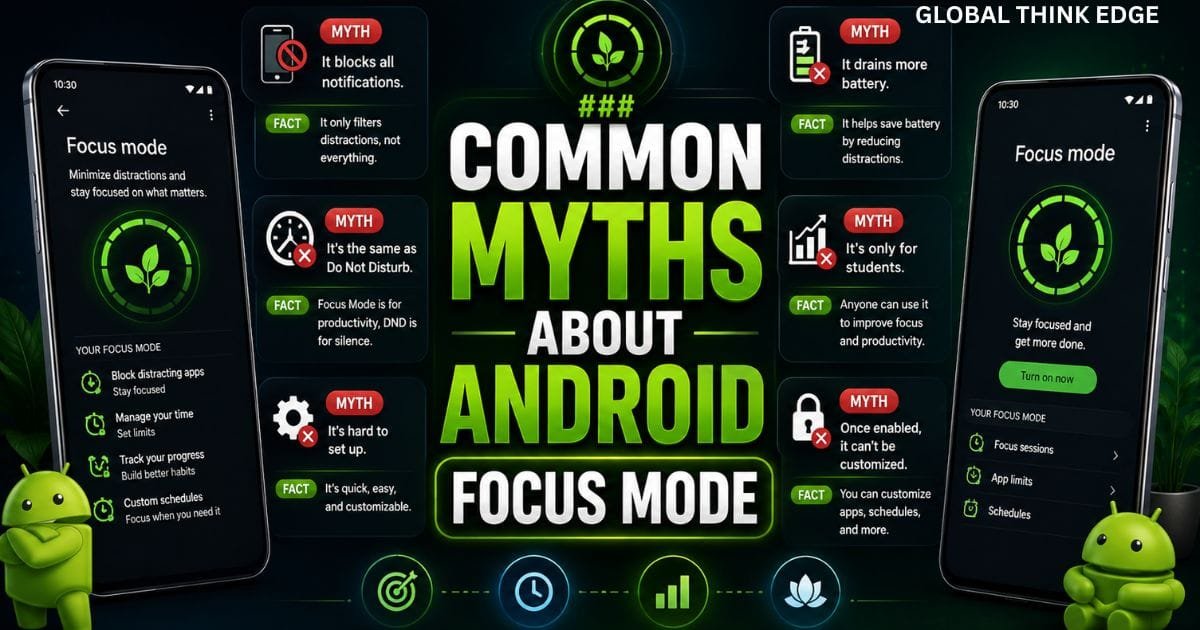
Common Myths About Android Focus Mode
Myth 1: Focus Mode Blocks Calls
Focus Mode does not automatically block calls. It mainly pauses selected applications.
Myth 2: It Deletes App Data
The feature never removes app data or settings.
Myth 3: It Works Only on Pixel Phones
Many Android manufacturers support Focus Mode through Digital Wellbeing.
Myth 4: It Is the Same as Do Not Disturb
The two features serve different purposes and offer different controls.
Myth 5: Focus Mode Is Only for Students
Professionals, remote workers, entrepreneurs, and parents can all benefit from Focus Mode.
Troubleshooting Android Focus Mode
Focus Mode Not Appearing
Check whether:
Android is updated
Digital Wellbeing is installed
The device supports Android 10 or newer
Apps Still Sending Notifications
Verify that the app has been selected within Focus Mode settings.
Schedule Not Working
Review scheduled times and ensure battery optimization settings are not interfering.
The Future of Android Focus Mode
Google continues improving digital wellbeing features with smarter automation, enhanced usage insights, and better productivity tools.
Future updates may include:
AI-powered focus recommendations
Adaptive schedules
Smarter distraction detection
Personalized productivity reports
These improvements could make Focus Mode even more effective for managing digital habits.
Key Takeaways
Android Focus Mode pauses distracting apps and silences their notifications.
It helps users improve concentration and productivity.
Focus Mode can be activated manually or through schedules.
It works well alongside Do Not Disturb.
Students, professionals, and everyday users can benefit from it.
Digital well-being reports help track progress and reduce screen distractions.
Frequently Asked Questions
Is Android Focus Mode free?
Yes. Android Focus Mode is included with Digital Wellbeing and is available at no additional cost.
Does Focus Mode block text messages?
Not usually. Focus Mode primarily targets selected apps rather than standard messaging services unless those apps are specifically chosen.
Can I use paused apps temporarily?
Yes. Android allows users to take short breaks and temporarily access paused apps.
Does Focus Mode save battery life?
It can indirectly reduce battery usage by limiting activity from distracting apps, though productivity is its primary purpose.
Which Android version supports Focus Mode?
Focus Mode is generally available on Android 10 and newer versions through Digital Wellbeing.
Can I schedule Focus Mode automatically?
Yes. Android allows automatic scheduling based on specific days and times.
Conclusion
Android Focus Mode is one of the most practical productivity tools available on modern smartphones. By temporarily pausing distracting apps and reducing interruptions, it helps users stay focused on meaningful tasks. Whether you are studying, working, reading, or simply trying to reduce screen distractions, Android Focus Mode provides a simple yet highly effective way to regain control of your attention and build healthier digital habits.
