Android Clipboard Privacy: Secure Your Personal Data Fast
Why Android Clipboard Privacy Matters More Than Ever
Android clipboard privacy is the practice of protecting the text, passwords, links, images, and other information you copy on your Android device from unauthorized access. While the clipboard makes copy-and-paste quick and convenient, it can also expose sensitive information if apps or malicious software gain access to it.
Modern Android versions have significantly improved clipboard security. Features like clipboard access notifications, automatic clipboard clearing, and stricter background app permissions reduce privacy risks. However, users still need good security habits because copied data can remain vulnerable under certain conditions.
Whether you frequently copy passwords, banking details, verification codes, or personal messages, understanding how Android clipboard privacy works helps protect your digital life.
What Is the Android Clipboard?
The Android clipboard is a temporary storage area that holds copied content until you paste it elsewhere or replace it with new content.
You can copy:
Text
URLs
Phone numbers
Images (supported apps)
Email addresses
OTP codes
Documents
Most users interact with the clipboard daily without realizing how much sensitive information passes through it.
How Android Clipboard Works
Whenever you tap Copy, Android stores that data in temporary memory.
The copied content remains available until:
You copy something new.
The device clears the clipboard automatically.
You manually clear it.
The device restarts (on some phones).
Many Android manufacturers such as Samsung, Xiaomi, OPPO, and OnePlus also include clipboard history, allowing multiple copied items to remain available for longer.
While convenient, clipboard history can increase privacy risks if not managed properly.
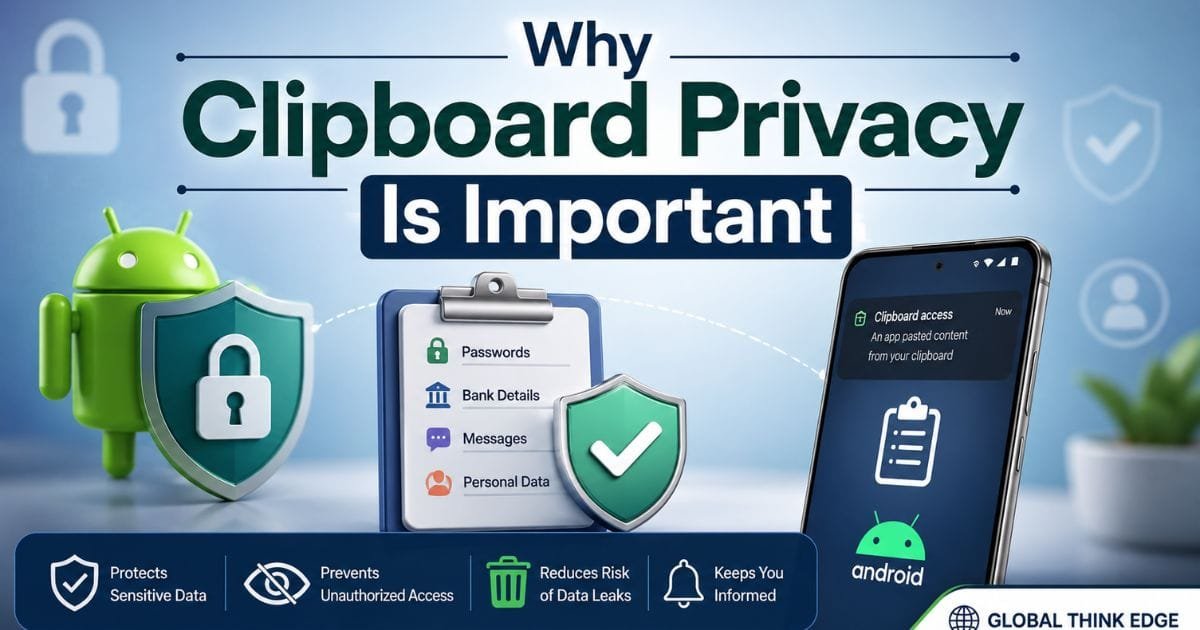
Why Clipboard Privacy Is Important
Many users unknowingly copy highly confidential information throughout the day.
Examples include:
Banking credentials
Credit card numbers
Passwords
Passport information
Recovery codes
Personal addresses
Medical information
If another application can access clipboard contents, that information could potentially be exposed.
This is why Android privacy improvements have become increasingly important in recent years.
Android Clipboard Security Improvements
Google has introduced several clipboard protections across newer Android releases.
Clipboard Access Notifications
When an app reads your clipboard, Android may display a notification such as the following:
“App pasted from your clipboard.”
This increases transparency and helps users identify unexpected clipboard activity.
Automatic Clipboard Deletion
Starting with Android 13, copied clipboard data automatically disappears after approximately one hour.
Benefits include:
Reduced exposure time
Better password protection
Less accidental sharing
Improved privacy
This automatic cleanup works even if users forget to clear copied information.
Restricted Background Access
Older Android versions allowed many apps to silently monitor clipboard contents.
Newer Android releases limit clipboard access for background apps, making unauthorized reading much more difficult.
Improved Permission Controls
Apps now require stronger justification for clipboard interactions.
Developers must follow stricter privacy guidelines before accessing copied content.
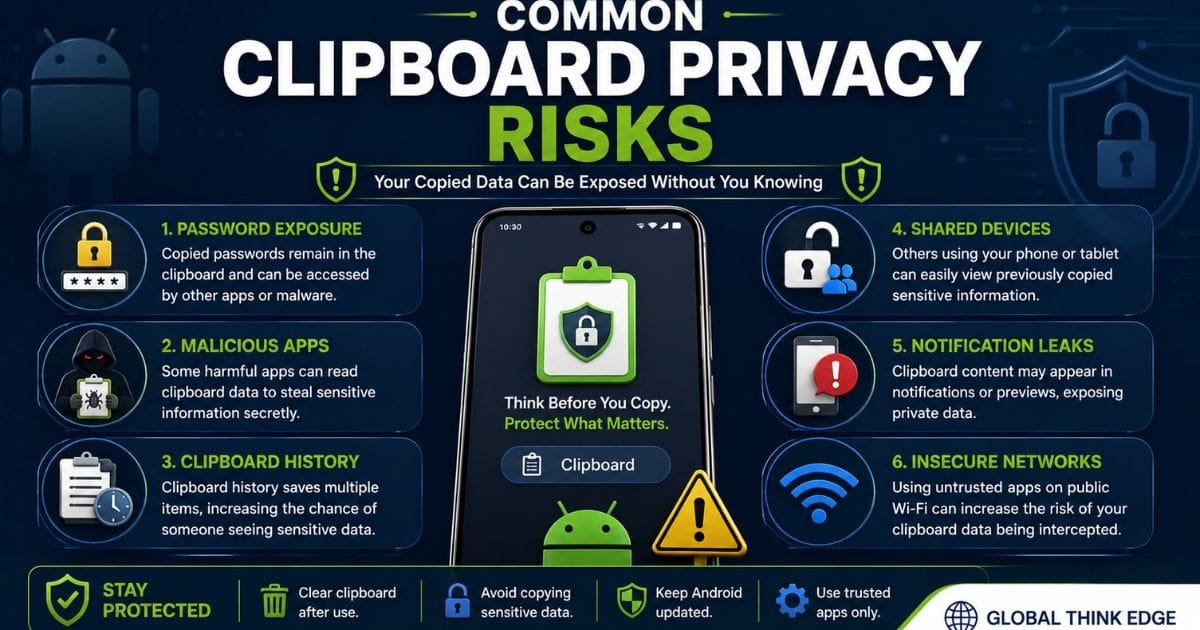
Common Clipboard Privacy Risks
Despite Google’s improvements, clipboard risks still exist.
Password Exposure
Copying passwords into the clipboard temporarily stores them in readable form.
If another app accesses the clipboard before it is cleared, sensitive credentials could be exposed.
Password managers that support secure autofill are generally safer than copying passwords manually.
Malicious Applications
Some poorly designed or malicious apps may attempt to monitor clipboard contents.
Although Android restricts this behavior, older devices remain more vulnerable.
Clipboard History
Several smartphone brands store multiple copied items.
If someone unlocks your phone, they may view previously copied information.
Regularly clearing clipboard history reduces this risk.
Shared Devices
Family tablets or shared work phones increase the chance of someone accidentally viewing copied personal information.
Always clear sensitive clipboard contents before handing your device to someone else.
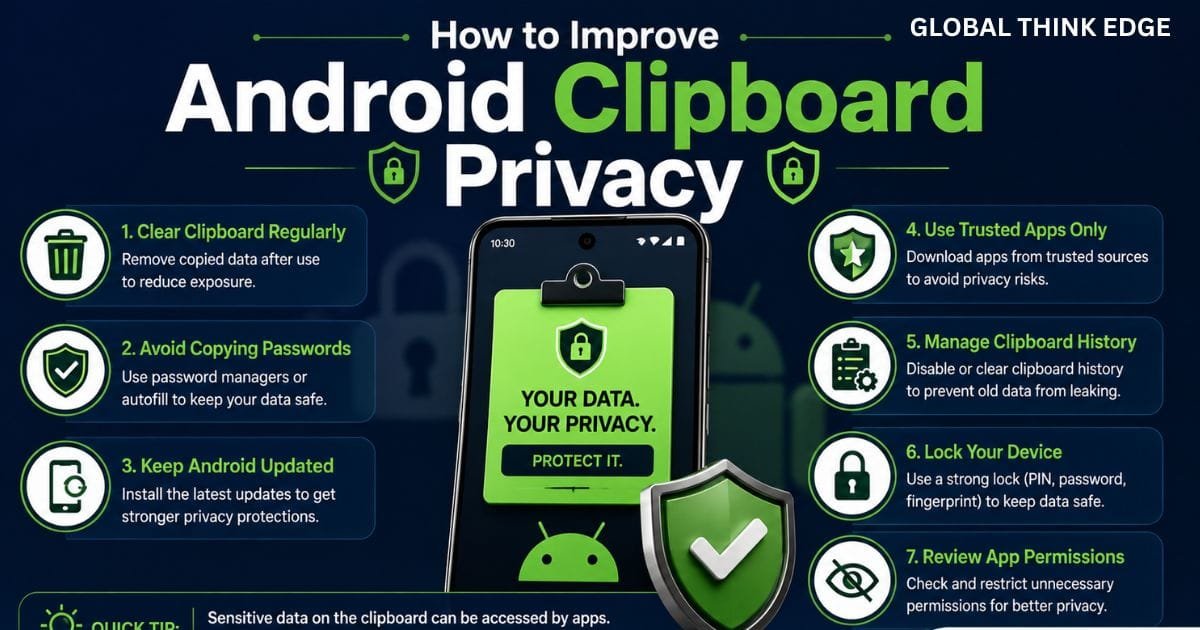
How to Improve Android Clipboard Privacy
Protecting your clipboard requires only a few simple habits.
1. Clear Clipboard Regularly
Delete copied information after use.
Many Android keyboards allow manual clipboard clearing with one tap.
2. Avoid Copying Passwords
Whenever possible, use:
Password managers
Secure autofill
Biometric authentication
This reduces clipboard exposure completely.
3. Keep Android Updated
Security patches often improve clipboard protection.
Installing the latest Android version helps defend against newly discovered vulnerabilities.
4. Install Trusted Apps Only
Avoid downloading applications from unknown sources.
Apps from trusted developers are less likely to misuse clipboard access.
5. Review App Permissions
Although clipboard access isn’t always controlled through a dedicated permission, reviewing permissions helps identify apps requesting unnecessary access to contacts, storage, accessibility, or notifications that could increase overall privacy risk.
6. Lock Your Device
A strong screen lock protects clipboard history from anyone with physical access.
Use:
Fingerprint
Face Unlock
PIN
Strong password
Android Clipboard Privacy Features by Version
| Android Version | Clipboard Notification | Auto Clear | Background Protection | Overall Privacy |
| Android 10 | Limited | No | Basic | Moderate |
| Android 11 | Improved | No | Better | Good |
| Android 12 | Yes | No | Strong | Very Good |
| Android 13 | Yes | Yes | Strong | Excellent |
| Android 14+ | Enhanced | Yes | Advanced | Excellent |
Android Clipboard Privacy vs Clipboard History
| Feature | Clipboard Privacy | Clipboard History |
| Purpose | Protect copied information | Store multiple copied items |
| Security | High | Depends on device |
| Convenience | Moderate | High |
| Sensitive Data Protection | Excellent | Lower if history isn’t cleared |
| Best Use | Passwords and personal data | Everyday text copying |
Does Gboard Store Clipboard Data?
Google’s Gboard includes a clipboard manager.
If clipboard history is enabled:
Multiple copied items may be saved temporarily.
Users can pin important items.
Clipboard entries can be deleted manually.
Older entries usually expire automatically after a period of inactivity.
If privacy is your priority, avoid pinning sensitive information and clear clipboard history regularly.
Best Practices for Maximum Clipboard Security
Professionals who work with confidential information often follow these habits:
Never copy banking passwords.
Use password managers instead of manual copying.
Delete clipboard contents immediately after use.
Install apps only from trusted sources.
Keep Android security updates enabled.
Avoid clipboard managers that request excessive permissions.
Lock your phone whenever unattended.
Disable unnecessary clipboard history if your device allows it.
These simple practices significantly reduce the chance of accidental data exposure.
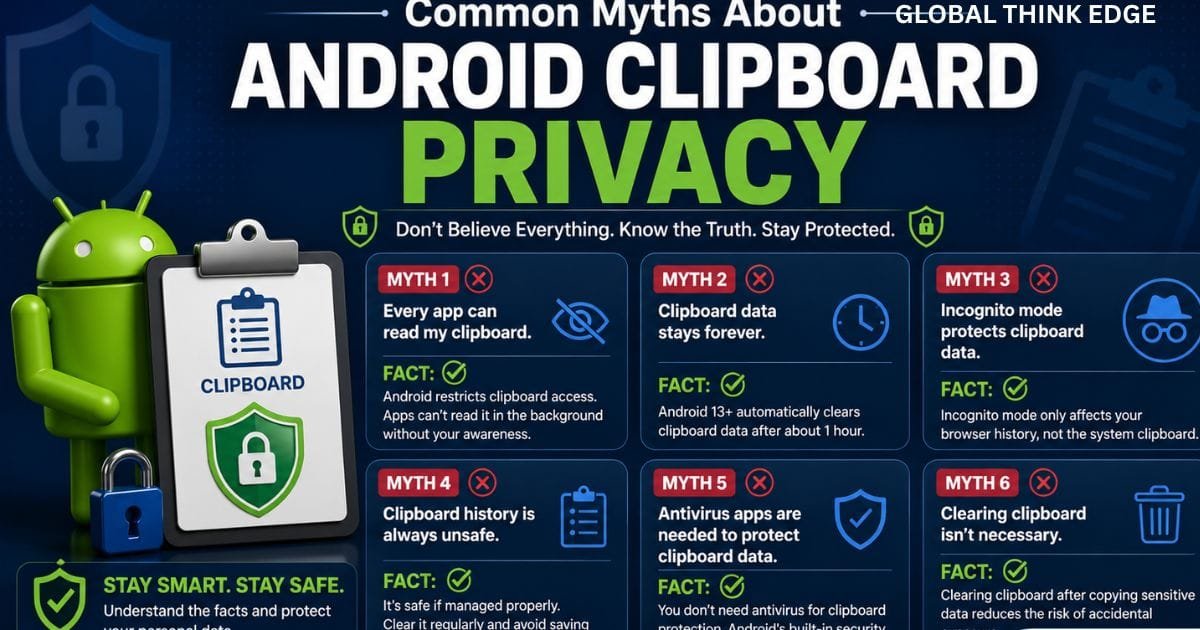
Common Myths About Android Clipboard Privacy
Myth: Every app can read my clipboard.
False. Newer Android versions restrict clipboard access and notify users when apps paste clipboard content.
Myth: Clipboard data stays forever.
False. Android 13 and later automatically clear clipboard contents after about one hour.
Myth: Clipboard history is always unsafe.
False. Clipboard history is useful, but it should be managed carefully and cleared when it contains sensitive information.
Myth: Incognito mode protects clipboard data.
False. Incognito browsing does not prevent copied information from being stored in the system clipboard.
Frequently Asked Questions
Is the Android clipboard secure?
Yes, modern Android devices are much more secure than older versions. Android 12 and later restrict clipboard access, while Android 13 automatically clears copied content after about an hour. Good security habits are still important for protecting sensitive information.
How to hide the clipboard in Android?
You cannot completely hide the system clipboard, but you can improve privacy by clearing clipboard history, disabling clipboard suggestions where available, avoiding pinned items, and using secure autofill instead of copying passwords.
Does Android have a hidden clipboard?
Android includes a built-in clipboard that usually isn’t visible until you use a keyboard app like Gboard or Samsung Keyboard. Some manufacturers also provide clipboard history that stores multiple copied items temporarily.
Is a clipboard private?
The clipboard is designed for temporary storage, not permanent privacy. Modern Android versions protect it better than before, but sensitive information should still be cleared after use to minimize risk.
Final Thoughts
Android clipboard privacy has improved dramatically thanks to Google’s ongoing security enhancements. Features like clipboard access notifications, automatic clipboard deletion, and stronger background restrictions make modern Android devices significantly safer than earlier versions.
Even with these protections, user habits remain the strongest defense. Avoid copying sensitive passwords whenever possible, clear clipboard history after handling confidential information, keep your device updated, and install only trusted applications.
By combining Android’s built-in security features with smart privacy practices, you can enjoy the convenience of copy-and-paste without putting your personal data at unnecessary risk.
